Beginner’s Essential DIY Guide to Building a Custom Desktop Computer
Learn how to build your own desktop PC with this beginner-friendly guide. From selecting compatible parts to installing the operating system, Step-by-step advice makes DIY PC assembly accessible for newcomers. Start your tech journey today!
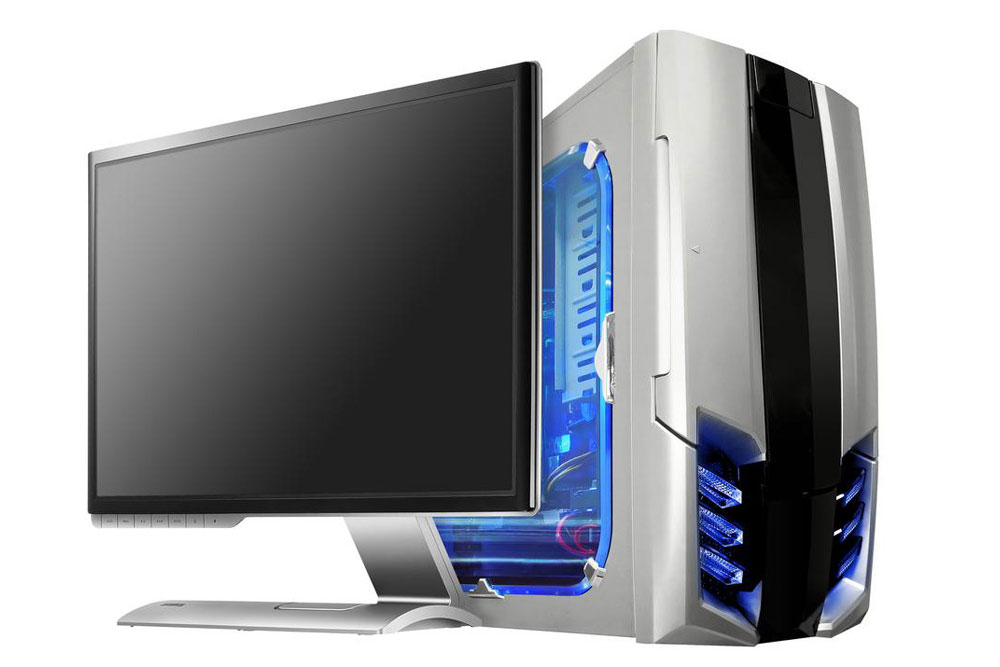
Beginner’s Essential DIY Guide to Building a Custom Desktop Computer
Assembling your own desktop PC might seem intimidating initially, but it becomes manageable with some fundamental knowledge. The first step is choosing compatible parts that suit your needs. Enlisting help from someone experienced can make the process smoother and more enjoyable.
Whether you’re fulfilling a long-standing goal or exploring DIY tech projects, our simple tips are here to support you. We'll cover the key steps to help you put together a personalized desktop without overwhelming technical details.
Selecting the Components
The processor (CPU) functions as your system's brain, while the motherboard links all components together.
Conduct thorough research to ensure component compatibility. Standard sizes like ATX and microATX host PCI slots suitable for graphics cards. For gaming, choose a GPU with sufficient video memory for seamless gameplay. Pick a CPU that aligns with your performance needs and software. Match RAM type and capacity to your motherboard specs; typically, over 4GB requires a 64-bit OS.
Factor in your usage—gaming, work, or basic tasks—when shopping. Beginners often find it best to start with a modest budget and learn as you go. Use tutorials, read guides, and consider advice from experienced builders. Mistakes are part of the learning journey.
Installing OS and Completing the Setup
The fun part—software installation. Windows is recommended for ease of use, while Linux offers customization for advanced users. Confirm hardware compatibility and choose an SSD for faster system responsiveness and reliable storage.
Once the OS is installed and peripherals are connected, turn on your PC. If assembled correctly, it should boot up successfully. Well done on building your own desktop!
Note:
This article provides practical, research-based insights on PC building. It is meant as a helpful introduction and not an exhaustive guide. Readers should verify details independently, as platform offers and updates may vary.