Guide to Building Your Own Custom Desktop PC
Learn how to build your own custom desktop PC with this simple step-by-step guide. From selecting components to installing the OS, this article covers essential tips for beginners. Create a tailored system suited for gaming, productivity, or everyday use, and enjoy the rewarding experience of assembling your own computer from scratch.
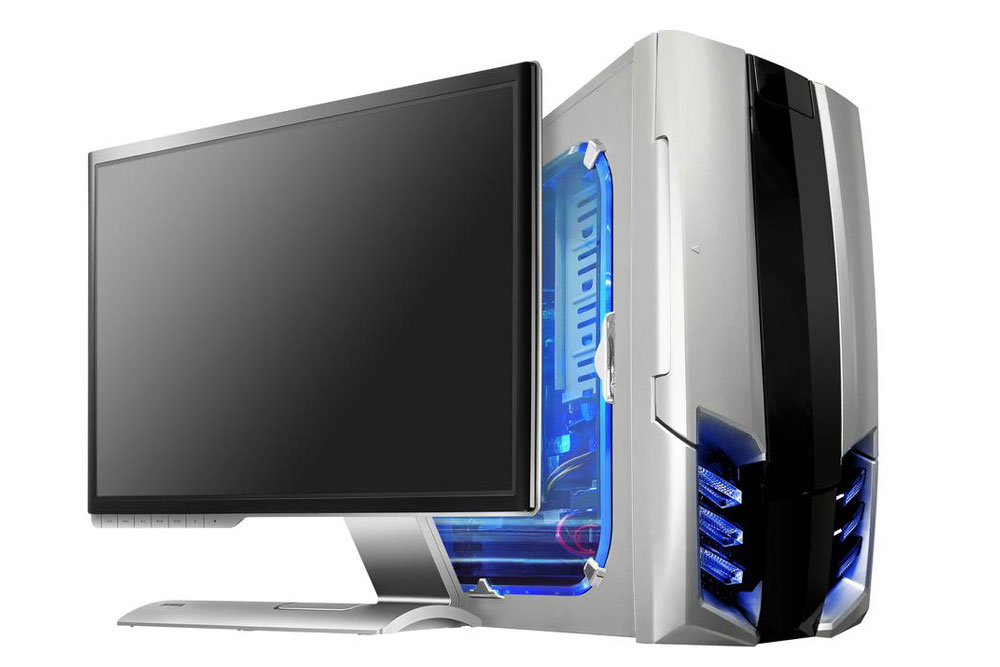
Guide to Building Your Own Custom Desktop PC
Assembling a personal computer might seem daunting at first, but it can be both fun and satisfying once you grasp the fundamentals. If you're a first-time builder, carefully choosing compatible components is essential. Enlisting help from an experienced friend can make the process easier and more enjoyable.
Creating a custom PC is ideal for tech buffs and gaming enthusiasts. While we won't cover every technical detail, this guide highlights the main steps to help you get started. Here’s a straightforward overview of how to assemble your own desktop computer.
Select the Right Components
The CPU serves as the brain of your system, while the motherboard provides the foundation. Conduct thorough research to find quality parts. Most motherboards come in ATX and microATX formats and include PCI slots for GPUs. Gamers should choose graphics cards with sufficient memory to ensure smooth gameplay. Pick a CPU suited to your intended use, considering your software requirements. RAM compatibility depends on your motherboard; verify they work well together. For RAM exceeding 4GB, a 64-bit OS is recommended.
Next comes assembly. If you’re new, advice from an experienced friend or following online tutorials can be very helpful. Watching YouTube videos or reading manuals can guide you through the process once you've gathered your parts. Tailor your hardware choices based on your purpose—gaming, productivity, or general use. Starting with an affordable setup allows room for learning, experimenting, and future upgrades.
Install the Operating System and Complete Setup
This stage is exciting: setting up your OS. For beginners, Windows offers a user-friendly experience. Tech-savvy users might prefer Linux distributions, which are open-source and highly customizable. Make sure your software is compatible with your hardware for a seamless setup. An SSD with enough storage ensures quick performance and stability.
Once the OS is installed and peripherals connected, power on your custom-built PC. If assembled correctly, it should boot up smoothly. Congrats—you’ve successfully built a personalized desktop from scratch!
Note:
Our blog provides practical technology tips across diverse topics. While we aim to give accurate and helpful guidance, please consider articles as general references rather than absolute solutions. The editorial team isn’t responsible for any inaccuracies or issues encountered elsewhere. Also, availability of deals and offers may vary over time.