Complete Guide to Selecting the Best Wireless Router for Your Needs
This comprehensive guide offers essential tips for selecting the best wireless router tailored to your home or business needs. Covering brands, types, coverage solutions, and security features, it helps you make informed decisions for optimal performance and connectivity.
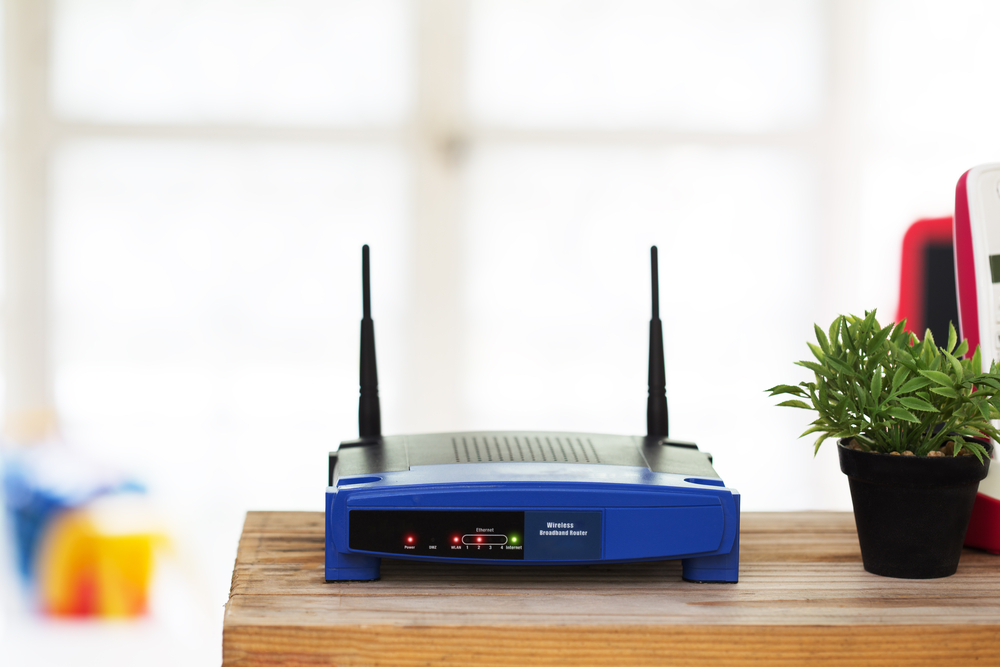
Essential Tips for Picking the Right Wireless Router
Guidelines for Choosing the Optimal Wireless Router
Wireless routers are versatile devices that provide wireless internet access and serve as hubs for private networks. They facilitate multi-device connectivity, ease of setup, and portability, making them essential in homes and offices alike.
When shopping for a wireless router, consider these important factors to ensure you pick the best model for your requirements.
Leading Wireless Router Brands
Diverse brands address different needs and budgets.
Netgear Orbi excels in providing extensive home coverage.
Linksys AC1900 Dual Band is ideal for larger residences.
ASUS RT-ACRH13 Dual-Band AC1300 suits compact apartments.
For streaming, Netgear AC1750 Smart WiFi is preferred.
Gaming enthusiasts often opt for ASUS T-AC88U for high performance.
Home Network Router Buying Tips
Determine the number of devices that will connect to the network.
Identify your primary online activities to pick an appropriate model.
Set a budget aligned with your internet expenses.
Consider the size and layout of your living space for adequate coverage.
Decide whether the router will be placed openly or discreetly.
Business Wireless Router Considerations
Evaluate your organization's device load and remote access needs.
Look for advanced security features and protection capabilities.
Choose between wired and wireless connections based on your setup.
Assess if single or dual WAN ports are necessary based on your network demands.
Explore additional functionalities such as guest networks, content filtering, or integrated wireless options.
Types of Wireless Routers
Single-band routers operate exclusively on the 2.4GHz band using 802.11b/g standards.
Dual-band routers support both 2.4GHz and 5GHz frequencies, leveraging 802.11n or newer standards.
Single WAN routers have a single internet port for connectivity.
Dual WAN models feature two ports, providing redundancy and increased reliability.
Addressing Wireless Dead Zones
Dead zones are areas with weak or no Wi-Fi signals.
They often result from physical barriers or interference.
Relocating the router, adjusting antennas, removing obstacles, or adding range extenders can help eliminate dead zones.
Warranty Details for Wireless Routers
Most models include a manufacturer's hardware warranty.
The warranty duration varies based on the brand and model.