Complete Guide to Selecting the Ideal Wireless Network Card
This guide provides essential tips for selecting the right wireless network card, focusing on compatibility, range, antenna types, and Wi-Fi standards. It helps users make informed decisions for optimal wireless connectivity, whether for gaming, streaming, or general use.
Complete Guide to Selecting the Ideal Wireless Network Card
Is a wireless network card necessary for your system?
Before buying, assess whether you need a wireless connection. While wired connections often deliver higher speeds and greater stability, wireless options offer enhanced convenience and mobility. Wireless cards allow cable-free connectivity but may have limited range and can be disturbed by interference.
Compatibility with your device
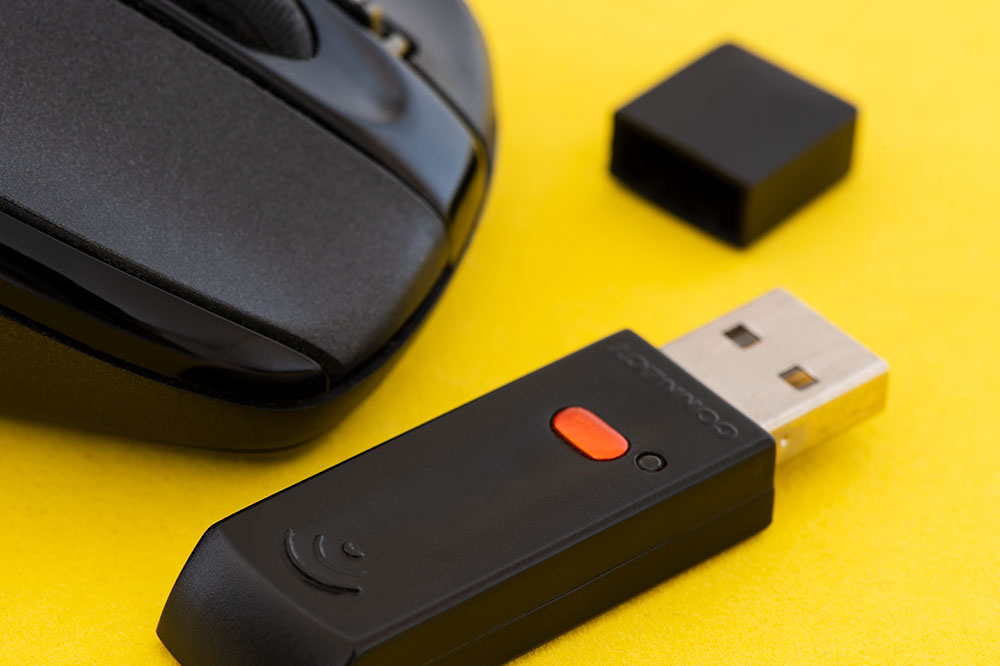
Select a card that is compatible with your system type. Available options include USB wireless adapters, internal PCIe cards, or built-in modules. For internal cards, confirm that the connector pins align with your motherboard’s slots. USB adapters are easy to install, often requiring only driver updates.
Coverage range and antenna design
The performance of your wireless connection greatly depends on coverage range. Opt for an antenna with a suitable dBi rating to improve signal strength. Many adapters feature multiple antennas, which typically enhance overall stability and signal quality beyond single-antenna designs.
Speed compatibility with Wi-Fi standards
Wireless data transfer rates are governed by standards like 802.11n and 802.11ac, operating on 2.4 GHz and 5 GHz bands. The 5 GHz band supports faster speeds and is less susceptible to interference, making it ideal for high-bandwidth tasks and congested environments. Choosing an adapter that supports 5 GHz can significantly boost your connection performance.