All-in-One Computers: Features, Advantages, and Comparison
Explore the world of all-in-one computers, their unique features, benefits, and how they compare to traditional desktops and laptops. Learn which option suits your needs based on performance, design, and usability, for home or office environments.
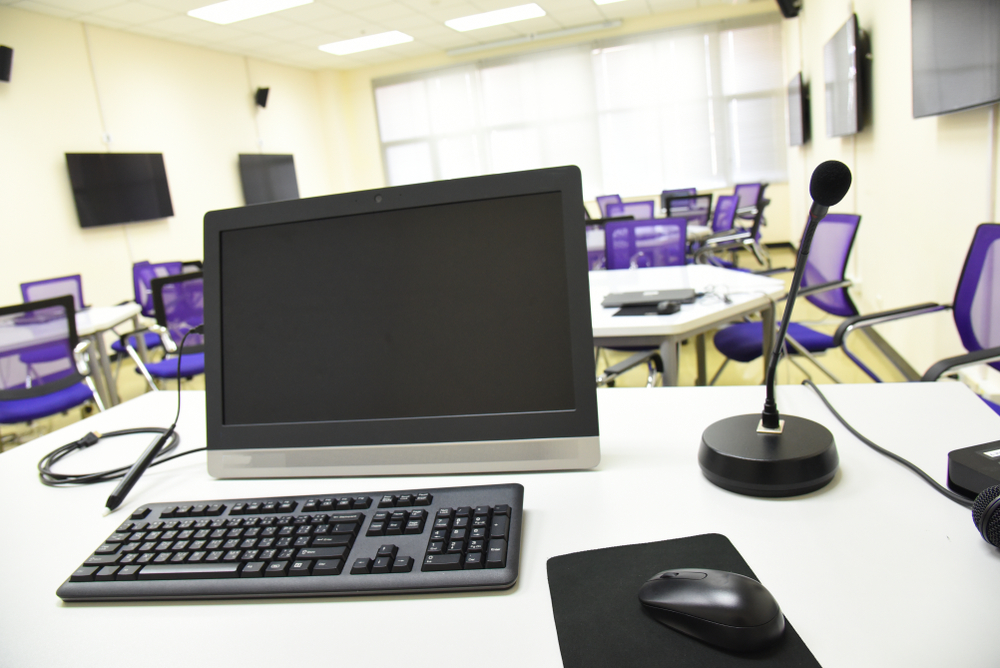
All-in-One Computers: Key Features and Benefits
In earlier days, traditional desktop setups utilized bulky CRT monitors with separate peripherals such as keyboard, mouse, and tower. Advances in technology led to the creation of integrated devices where key components and the screen are combined, known as all-in-one PCs. Initial models were large and expensive, but with LCD and modern design, these computers have become sleeker and more powerful, replacing conventional desktops. The iconic Apple iMac exemplifies this seamless integration, offering a stylish, space-saving solution.
All-in-one computers merge the monitor with internal hardware, streamlining workspace and reducing on-desk clutter. While their internal upgrade options are limited compared to traditional desktops, they excel in user-friendly design and aesthetic appeal. These systems are larger than laptops but provide bigger screens and comparable performance, making them suitable for home and office use. Laptops offer portability and affordability but lack the power and size of all-in-one models. Desktops remain the top choice for maximum performance and upgrade flexibility.
Comparing All-in-One PCs, Desktops, and Laptops
Desktops allow extensive upgrades and customization, whereas all-in-one PCs focus on compactness and style, sacrificing some upgradeability. Laptops emphasize portability and are ideal for mobile users, providing comparable daily performance at a lower cost. For intensive tasks and high customization, traditional desktops are preferable. Choosing among these options depends on individual priorities: performance, space, mobility, or cost.