Comprehensive Tips for Choosing the Perfect Printer and Scanner
Discover expert tips for choosing the perfect printer and scanner for your home or office. Learn about space considerations, speed, resolution, costs, and connectivity options to make an informed decision. Our comprehensive guide helps you find devices that suit your requirements and budget for a smooth upgrade experience.
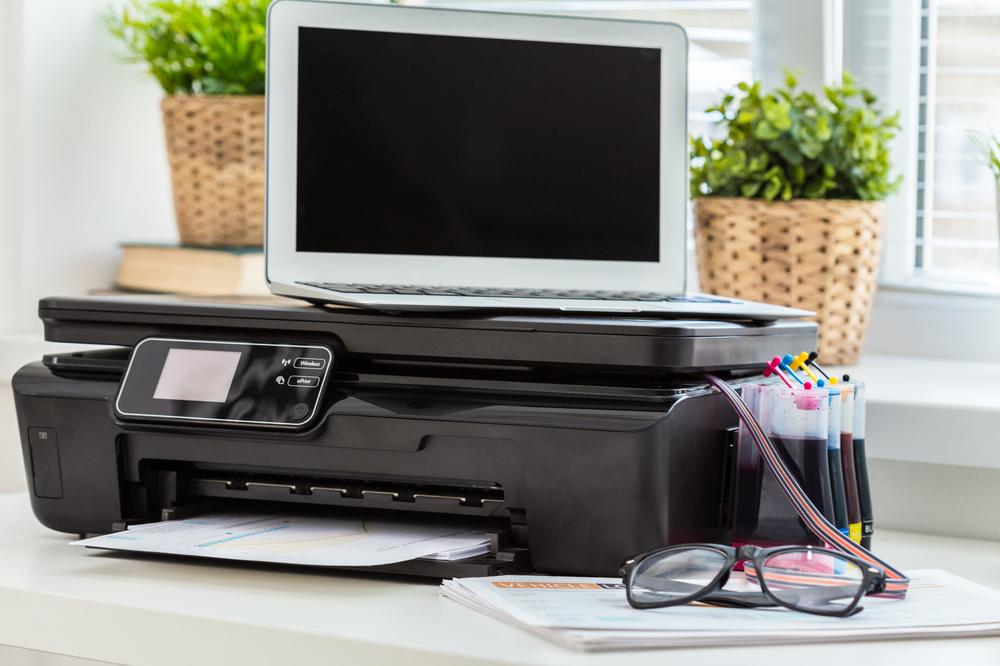
Key Strategies for Picking the Right Printer and Scanner
Selecting the ideal printing and scanning devices becomes easy when you follow a structured approach. Whether setting up a home workspace, managing professional printing tasks, or supporting educational projects, there are numerous models to meet your needs. By applying expert recommendations, you can simplify your choice process and find equipment that matches your available space and budget constraints.
Evaluate Your Space
Printers and scanners come in different sizes, so measuring your designated area is essential. Compact or all-in-one units suit small offices or personal desks, while larger environments might prefer separate devices for efficiency.
Paper Handling and Speed Features
If you frequently scan multi-page documents, look for models with automatic document feeders (ADF) to save time. Check the pages-per-minute (PPM) rate for printing and scanning; higher speeds are available but often cost more. Laser printers generally deliver fast, high-quality output, while inkjet options provide flexible speeds ranging from 5 to 25 PPM.
Resolution Matters (DPI)
Image sharpness for printing and scanning is measured in dpi, with higher values providing clearer results. For top-quality output, choose devices with 600 to 1200 dpi. High-dpi laser printers are ideal for professional-level clarity if your budget permits.
Consider Ongoing Expenses
Beyond the initial purchase, monitor ongoing costs such as ink, toner, and paper supplies. Calculating total ownership costs helps ensure the device fits your financial plan over time.
Connectivity Options
Modern printers support various connection methods: USB, Ethernet, Wi-Fi, Wi-Fi Direct, NFC, cloud services, and SD card slots. Wireless printers offer enhanced mobility. Wi-Fi Direct allows direct connections without a router, adding convenience. Confirm device compatibility with your existing systems before buying.
Following these tips will guide you toward selecting a printer and scanner tailored to your needs and budget, making your technology upgrade seamless and effective.
Note:
Our blog offers insights across multiple categories, aiming to provide valuable, well-researched information. Readers should see these articles as guidance rather than definitive solutions. The editorial team isn't responsible for discrepancies or errors beyond our scope. Promotional offers and schemes may vary and might offer better value depending on your specific needs.