Essential Startup Tips for New Computer Users
This beginner's guide offers essential tips for new computer users to set up hardware, create user accounts, and familiarize themselves with desktop features. It helps novices confidently start their computer journey with simple, clear instructions on hardware connection, account creation, and system navigation, making technology less intimidating for newcomers.
Essential Steps for Beginners Booting Up a Computer
Getting started with a computer can seem daunting initially. From connecting hardware components and understanding graphical interfaces to launching the system — the process may appear complex. Nonetheless, the basics are simple to grasp. Remember, every expert was once a novice, and all skills develop from a common starting point.
If you're new to computers and eager to learn, you're in the right place. Having some knowledge already gives you a helpful foundation.
Follow these key tips for first-time setup.
Hardware setup
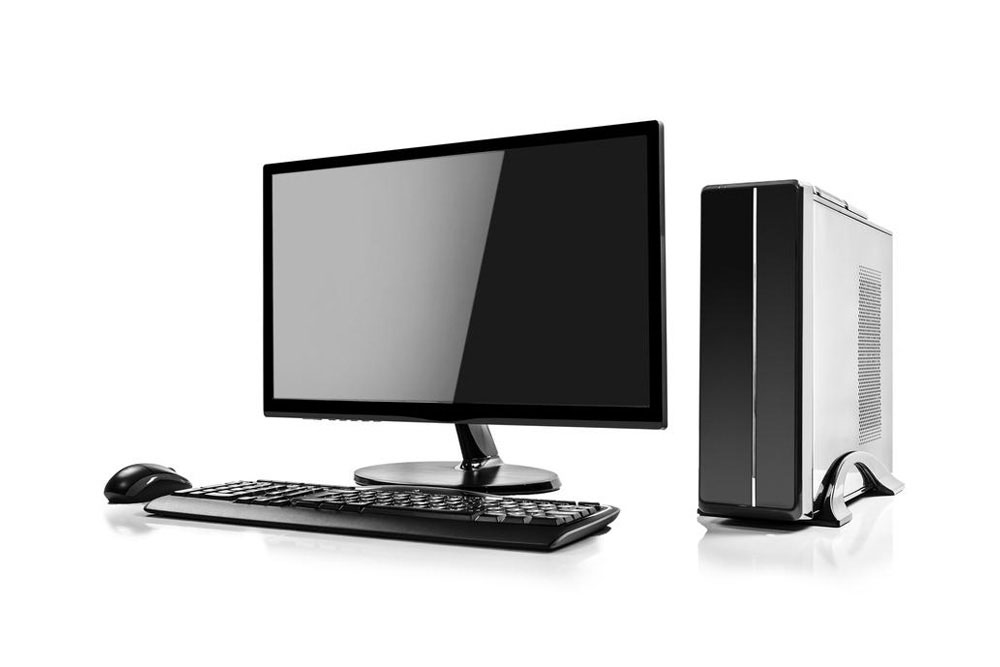
Verify that your computer case, monitor, keyboard, and mouse are connected properly. For wireless devices, plug in the USB receiver into your PC. Connect the power cord to an outlet to turn on your device. Without power, your PC won't operate.
Establish a user profile
Upon startup, you'll see the login or account creation screen. Creating a personal account with a strong password ensures your files remain private and protected. Use a combination of letters, numbers, and symbols for added security.
Explore your desktop and core features
Congratulations! You're ready to navigate your computer. Check storage space and system details by opening 'My Computer' or 'This PC'. Recognize your operating system, such as Windows 10 or macOS. Explore web browsers like Chrome or Firefox. Right-click 'My Computer' for hardware info, and access applications and settings via the start menu.