Ultimate Beginner's Guide to Using Your Cricut Device
Learn how to efficiently operate your Cricut machine with this beginner-friendly guide. From setup to cutting, discover tips to create beautiful crafts using paper, vinyl, and fabric. Perfect for hobbyists and DIY enthusiasts, this guide helps you get started quickly and confidently with your Cricut device for personalized projects.
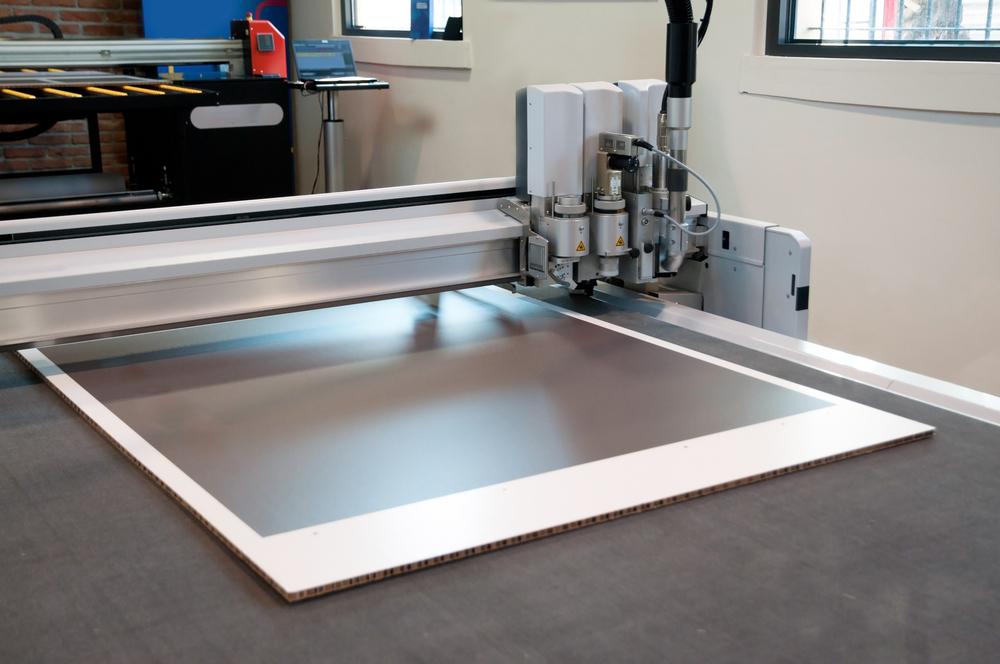
Getting Started with Your Cricut Machine
If you're looking to enhance your crafting projects, a Cricut machine is an excellent tool. Perfect for scrapbooking, card making, and personalized crafts, Cricut devices from Provo Craft & Novelty provide flexible die-cutting solutions suitable for home artisans. They can cut materials like paper, fabric, and vinyl, helping you create detailed and vibrant designs with ease.
Using a Cricut machine is straightforward, but understanding its operation is key. You'll need the device, compatible cartridges, cutting mats, and your chosen material such as cardstock or adhesive vinyl. Follow this simple guide to begin your Cricut crafting journey:
Step 1: Insert your selected cartridge into the designated slot. Attach the keypad overlay to facilitate navigation.
Step 2: Turn on your Cricut and place it on a stable surface for best results.
Step 3: Prepare your material—like paper or vinyl—and secure it onto the cutting mat. Load the mat into the machine and press 'Load.'
Step 4: Set your preferred cutting size via the control interface.
Step 5: Choose a design from the options or input your custom design. Multiple designs can be set for batch cutting.
Step 6: Confirm your selections and press the 'Cut' button to start cutting.
Step 7: When finished, unload the material. Adjust blade depth for accuracy if necessary, and repeat.
Step 8: Carefully peel your finished piece from the mat. For intricate cuts, use a craft knife for precision removal.
Note: Our blog offers a variety of crafting tips and tutorials. For detailed instructions, refer to the user manual or official resources. We are not responsible for discrepancies or promotional offers.