Guide to Selecting Effective Antivirus Software for Your PC
Select the right antivirus software to protect your computer from malware and cyber threats. This guide highlights key considerations, virus types, and top solutions to ensure your device remains secure. Regular updates, safe browsing habits, and choosing trusted programs safeguard your data and system integrity effectively.
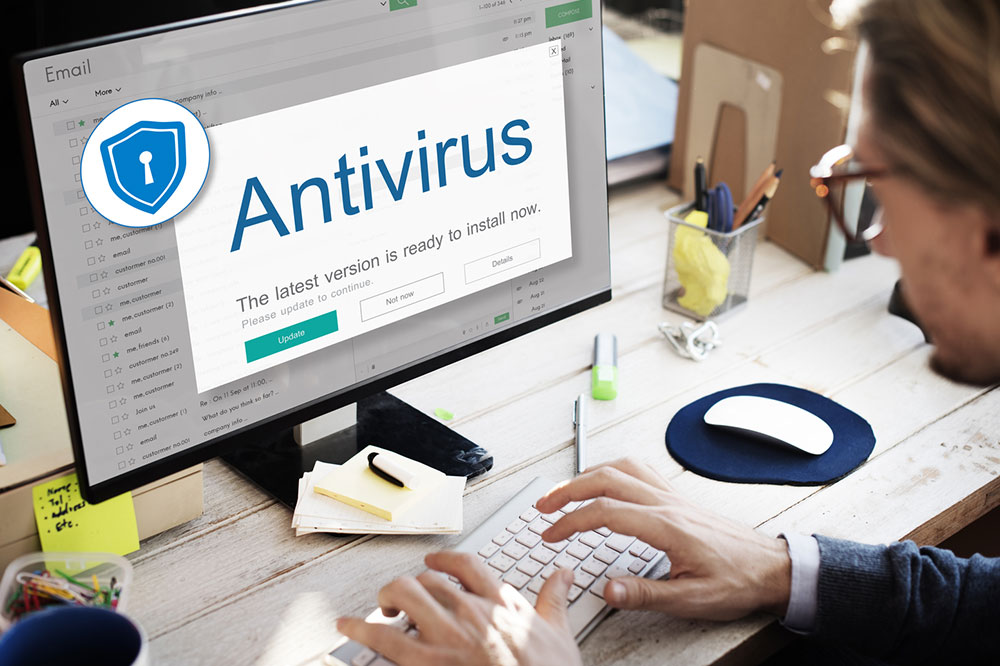
Essential Tips for Picking the Right Antivirus Program
In today's digital age, your computer is essential for work, shopping, and communication. During online activity, malware alerts may appear—highlighting the importance of antivirus protection. Antivirus software safeguards your device from malicious software and online threats. A "computer virus" is harmful code that can hinder performance or corrupt files. These viruses typically infect executable files, applications, or shared data through internet downloads or removable devices. Choosing a reliable antivirus program ensures continuous security against these dangers.
Mechanisms of Virus Infection
Viruses primarily targeting executable files (.ZIP, .EXE) infect systems via email attachments, downloads, or shared drives. Once active, they can corrupt data, slow system operations, or drain hardware resources. While Macs have better built-in security, Windows devices require strong antivirus defenses. Regular scans and behavior monitoring help detect malicious activity early, preventing widespread infection.
Antivirus solutions analyze files and system behavior, identifying threats proactively. Simply browsing safe sites or avoiding suspicious emails isn't enough; investing in dependable antivirus software is crucial to protect sensitive information and maintain device health.
Types of Common Computer Viruses
Macro Virus: Affects Office documents like Word or Excel, exploiting macro scripts for spreading through networks.
File Virus: Infects executable files (.EXE, .COM), often residing in memory to affect other applications.
Boot Sector Virus: Targets disk boot records on floppy disks or drives; less common today due to modern storage.
Master Boot Record Virus: Infects the MBR, disrupting system startup and persistence.
Resident Virus: Remains active in RAM, infecting files dynamically without re-infection.
Rootkit Virus: Hides deep within system files, allowing attackers to bypass security measures.
Multipartite Virus: Combines multiple virus types, affecting boot sectors and files simultaneously.
Spacefiller Virus: Fills unused code space to evade detection, usually causing minimal harm.
Recognizing these virus types aids in selecting proper security measures. Many viruses activate upon executing infected files, making continuous system monitoring crucial for early detection.
Removing Threats and Protecting Your System
If infected, act swiftly. Keep your antivirus software updated and run regular scans. Good digital hygiene—avoiding unknown links, updating software, and backing up data—significantly reduces risks. Use trusted security tools to identify threats early, prevent spread, and recover files effectively.
Computer Safety Best Practices
Update all software and OS regularly to fix security flaws.
Steer clear of suspicious links or unknown email attachments.
Select reputable antivirus programs like Avast or McAfee, and keep them current.
Backup important data regularly on cloud or external devices.
Use strong, unique passwords combining letters, numbers, and symbols; avoid simple ones like "password".
Adopting these practices will strengthen your defense against malware and unauthorized access.
Leading Antivirus Software Options
For effective protection, consider top solutions like Norton 360, Kaspersky, Trend Micro, or Bitdefender. These provide real-time malware detection, safe browsing, password management, and VPN features. Select software that matches your needs, budget, and security focus—such as enhanced privacy or identity theft protection. Always review features, compatibility, and user feedback to make an informed choice. Remember, ongoing updates and reliable recovery options are essential for continuous security.