Top Features to Look for in All-in-One Printers
Discover essential features to consider when selecting all-in-one printers. Key aspects include print speed, resolution, duty cycle, scanning quality, and automatic feeders. These specifications ensure high performance for office or personal use, helping you choose a device that maximizes productivity and quality. The article offers helpful tips for evaluating multifunction printers, making it easier to find the right device tailored to your needs.
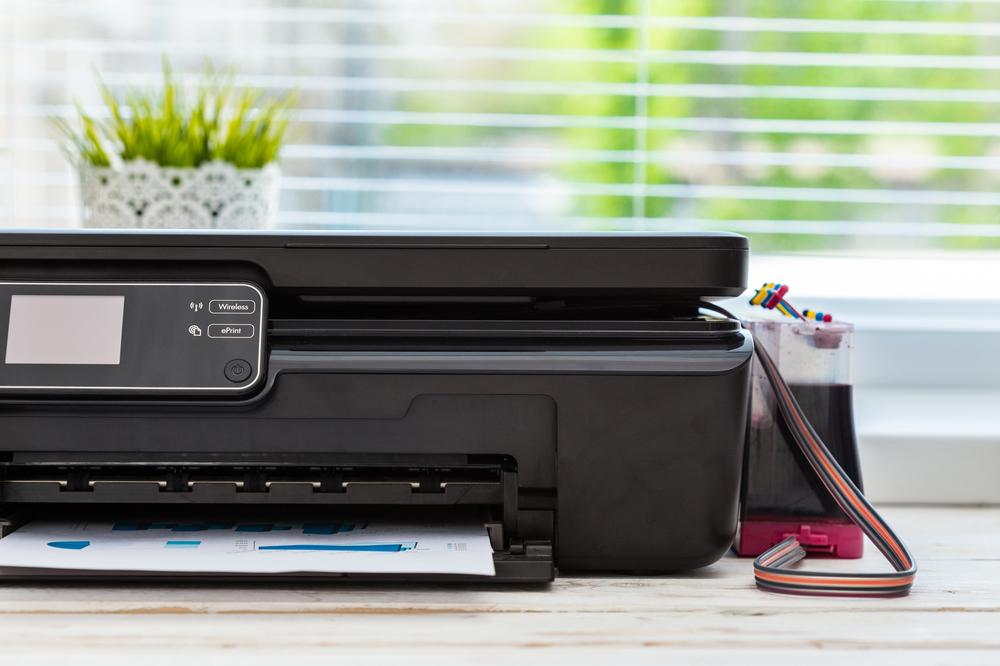
Essential Aspects When Selecting Multi-Function Printers
All-in-one printers are versatile devices that combine printing, scanning, copying, and faxing into a single unit, making them perfect for offices and homes. Unlike basic printers that only produce prints, these models offer a variety of functionalities with advanced options. When choosing the right device, it’s important to focus on key specs that ensure optimal performance and efficiency.
Printing Speed
Choose printers capable of producing approximately 10 color pages and 20 black-and-white pages per minute to support productivity.
Fast printing speeds are crucial for smooth workflows. Ensure the device supports high output capacity per minute for maximum efficiency.
Print Resolution
Print clarity, measured in DPI, is vital. For sharp monochrome prints, a minimum of 2400 x 1200 DPI is recommended. For vivid color images, resolutions like 1200 x 1200 or 4800 x 2400 DPI offer high-quality output suitable for professional or casual use.
Monthly Print Volume
The duty cycle indicates the maximum number of pages a printer can handle each month. Office models typically support around 25,000 pages, whereas home units generally manage about 5,000 pages.
Scanning Resolution
High-quality scans require sufficient DPI. Ensure scanners offer at least 1200 x 600 DPI for decent quality, with higher resolutions like 4800 x 4800 DPI for detailed professional scans.
Scanner Type
Main types include CCD (for detailed graphic scans) and CIS (for clearer images in typical use). The choice depends on the required scan detail level.
Copy Speed
Effective copying depends on scan quality and device capacity. Look for models capable of copying 25 pages per minute. Features like resizing and enlarging images add to productivity.
Automatic Document Feeder
This feature improves scanning and faxing efficiency by automatically feeding multiple pages, saving time in high-volume tasks. Ideal for busy work environments and home offices.
Note: The information shared aims to provide useful insights based on thorough research. However, it should not be considered exhaustive. Readers are encouraged to verify details and seek additional sources to meet their specific needs.