Guide to Buying a Refurbished Apple Computer Safely
Learn essential tips for buying a reliable secondhand Apple computer. This guide covers device age, screen condition, port functionality, and physical inspection to ensure a smart purchase. Ideal for budget-conscious buyers seeking quality used Apple devices.
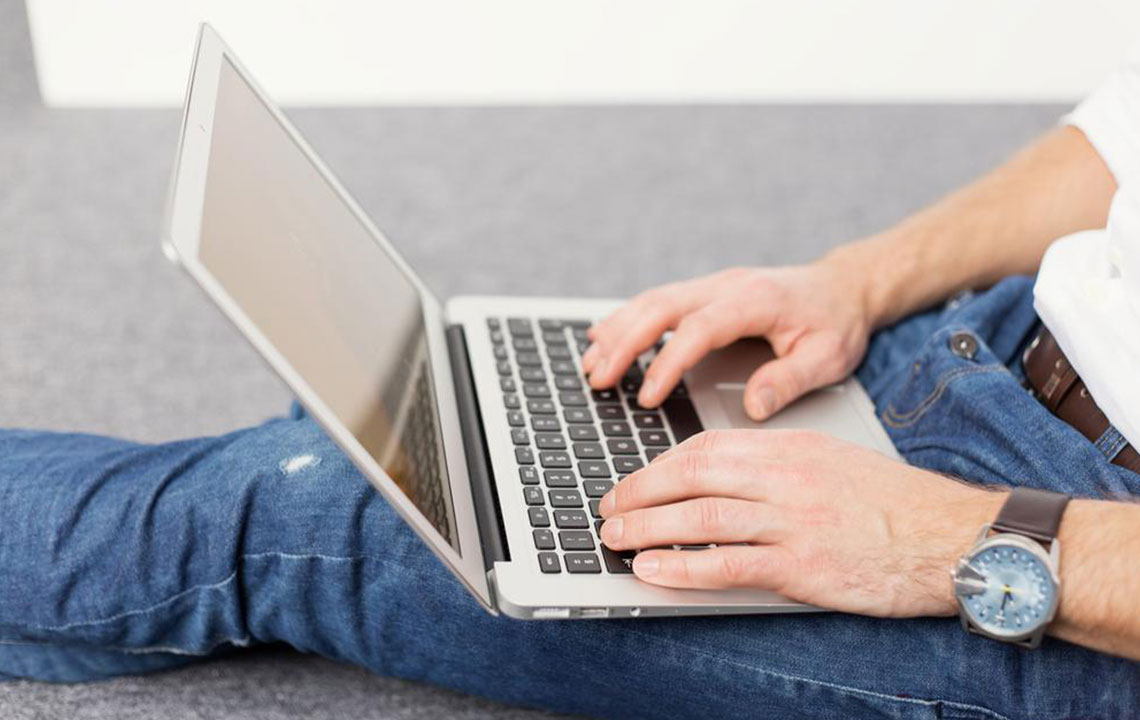
Guide to Buying a Refurbished Apple Computer Safely
Opting for a pre-owned Apple device like an iMac or MacBook can be a cost-effective choice for many. To ensure you make a wise purchase, thorough inspection is essential. Here are some important factors to consider when selecting a used Apple computer:
Check the device's age – Apple devices are known for their durability, but it’s best to choose models under three years old for better performance and compatibility.
Inspect the screen thoroughly – Look for damage along the edges and corners, as display issues are common in secondhand devices. Ensure the screen is in good shape.
Test keyboard and connectivity ports – Confirm all keys function properly, and check that microphone and headphone jacks work as intended.
Assess physical wear – Search for scratches, dents, or other damages, and verify hinges, screws, and closures are secure and operational.
Careful evaluation of these details can help you secure a dependable used Apple computer.