Top Digital Art Tools for Creative Professionals and Designers
Discover the top digital art software options tailored for artists and designers. From lightweight programs like Paint Tool Sai for beginners to industry-standard tools like Adobe Photoshop CC 2017, find the perfect fit for your creative needs. Learn about features, system requirements, and tips for choosing the right digital drawing application to enhance your workflow and artistic expression.
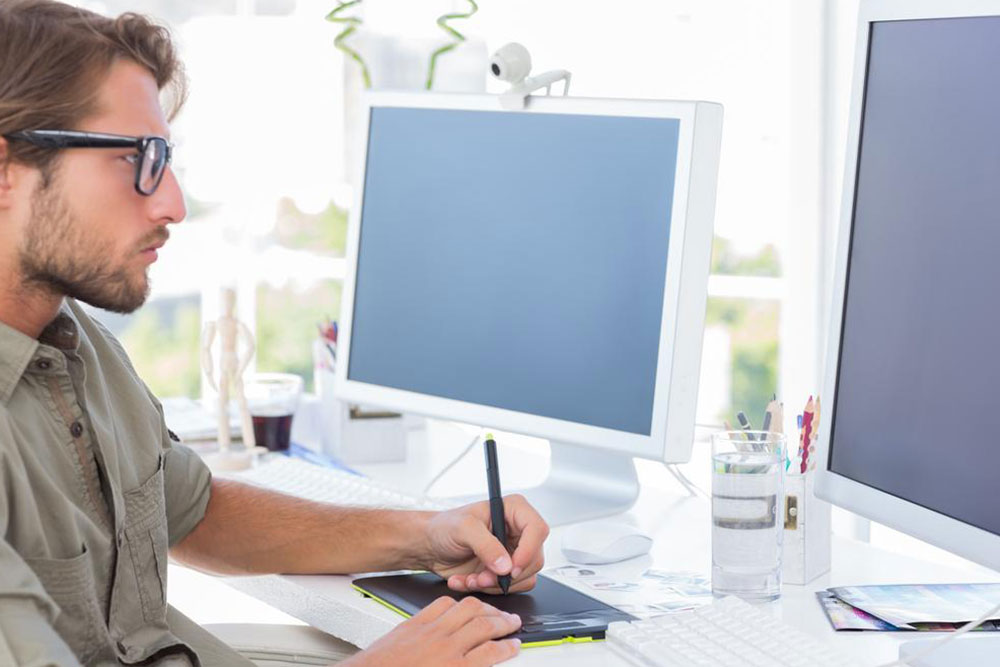
Essential Digital Drawing Applications for Artists and Designers
Choosing the right digital art software can be challenging, especially for aspiring artists. It's important to evaluate different options to find tools that match your creative workflow. A good drawing program should optimize your device’s performance, ensuring smooth operation with minimal lag. It should also support multiple file formats for easy import and export, facilitating a seamless production process.
Here are two leading options designed specifically for artists and designers.
Paint Tool Sai: This lightweight application demands little RAM and is highly portable. It offers a wide range of customizable brushes, ink pens, watercolor tools, and blurring options. Its stabilizer feature helps achieve clean lines, reducing lag and improving stylus responsiveness. It’s an affordable, one-time purchase that doesn’t require constant updates or subscriptions, making it perfect for beginners and experienced users alike.
Paint Tool Sai also features a small file size, saving disk space, and requires no ongoing fees. It’s an accessible choice for artists at all skill levels.
Adobe Photoshop CC 2017: Recognized as the industry standard, Photoshop provides a comprehensive set of tools for drawing, photo editing, and animation. It caters to beginners and professionals seeking advanced features. In addition to illustration, Photoshop supports frame-by-frame animation and basic video editing, expanding creative options. However, it consumes considerable system resources and requires a higher technical level. Despite its complexity, Photoshop remains a versatile, all-in-one platform for various digital art tasks.
Trying different software helps artists determine which best fits their workflow and expertise. Exploring options before making a decision is recommended, as each program offers unique strengths and limitations.
Note:
Our blog provides a variety of valuable insights across multiple categories. While we strive for accuracy, readers should view our articles as general guidance rather than definitive sources. We disclaim responsibility for discrepancies in external data or offers. Always look for promotions and deals to maximize your benefits.