Three Ways to Enjoy Music on Your iPhone Without Using iTunes
Discover three practical methods to enjoy music on your iPhone without relying on iTunes. From streaming apps like Pandora to custom web playlists via Safari, these options offer greater freedom, better control, and high-quality sound for all music lovers. Learn how to access your tunes effortlessly and personalize your listening experience today.
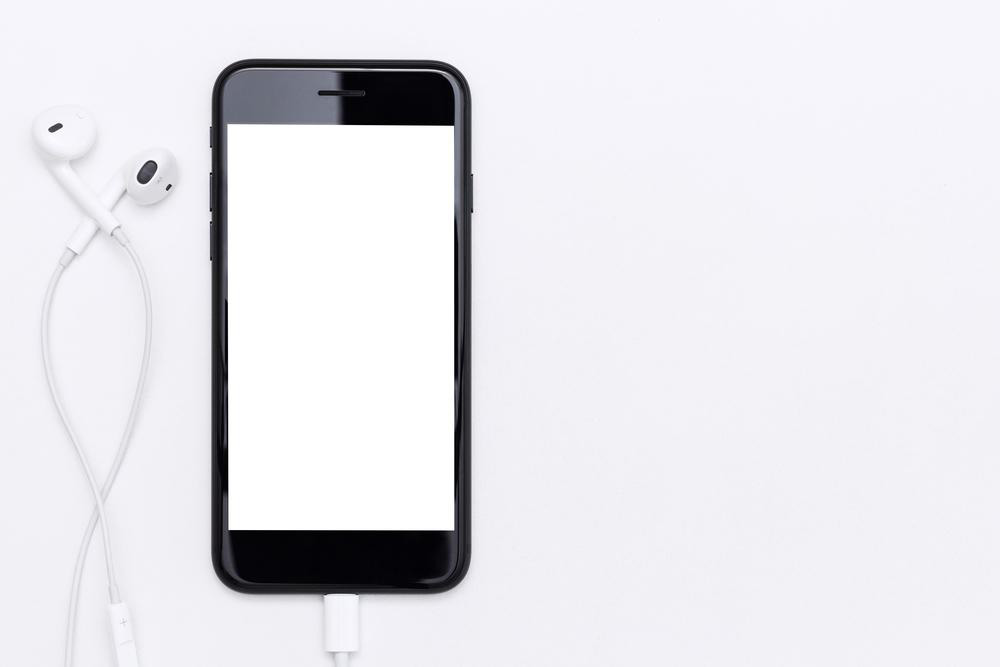
Apple's iPhone stands out as an innovative device blending stylish design with a wide range of features. Traditionally, managing music involved using iTunes, but this approach has limitations like download restrictions and continuous purchases. Fortunately, there are alternative methods to listen to your favorite music seamlessly. Here are three practical ways to play music on your iPhone without needing iTunes, offering you more flexibility and control over your audio library.
1. Pandora
Pandora is a popular streaming service with an extensive music catalog. Available for free from the iOS App Store, it enables users to stream music, create playlists, and receive personalized suggestions based on listening habits. You can shuffle tracks and discover new artists easily. Keep in mind, Pandora does not support background playback—music stops when you switch apps.
2. Sona FM
Sona FM offers affordable options for purchasing music tracks, allowing users to bookmark favorites before buying. The app adapts to different internet speeds with multiple bandwidth modes, ensuring high-quality listening whether on fast or slow connections. This way, you can enjoy crisp sound without draining data or dealing with lag issues.
3. Using Safari Web Playlists
A clever workaround involves creating a custom webpage hosting music in .m3u format. Access this page via Safari to stream your playlists directly in the browser. Safari's embedded QuickTime plugin allows background playback, letting your music continue playing even when navigating away. No coding skills required—just edit existing code to curate your playlist.
Try these three approaches to enjoy your favorite tunes on your iPhone without iTunes, enhancing your music experience with added convenience and flexibility.