Tips for Locating a Missing Mobile Device
Learn practical methods to locate your lost mobile device using GPS, cellular signals, and tracking apps. This guide explains techniques like network-based, device-based, and hybrid systems, helping you recover your phone quickly and securely. Follow simple steps with apps like Find My Device to track and protect your device effectively, ensuring peace of mind when your phone goes missing.
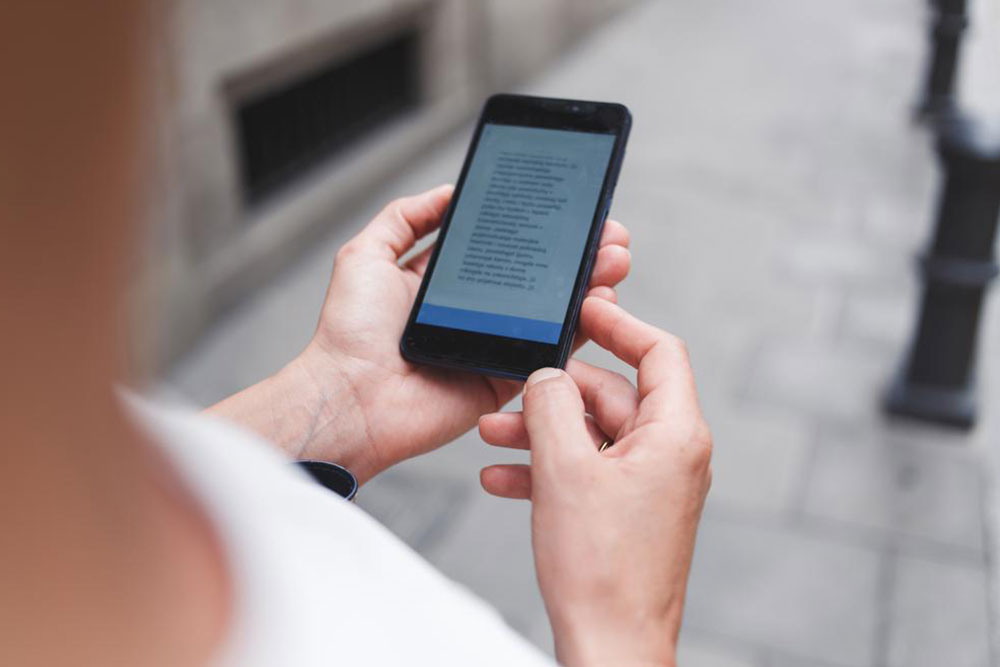
Tips for Locating a Missing Mobile Device
Discovering that your phone is missing can cause concern, but today's technology provides effective ways to find it quickly. Mobile device tracking utilizes location services such as GPS and cellular signals to determine your phone’s whereabouts, whether it’s stationary or moving. These methods primarily rely on cell tower signals or satellite navigation. By familiarizing yourself with these options, you can locate your lost device swiftly, bringing peace of mind back.
Tracking Strategies
Cell Tower-Based Tracking
Your phone connects wirelessly to nearby cell towers. Identifying the involved tower can give a rough estimate of your device’s location, though precision varies. It’s useful for narrowing down the area based on signal strength and tower proximity.
Device Tracking Apps
Software pre-installed on your device can provide precise location data. Features like GPS or cellular identification help track your phone effectively. Android users, for example, can use the Find My Device app via another Android device or web browser to locate their phone.
Additional Methods
SIM Card-Based: Radio signal measurements from the SIM card can help approximate location even if the device isn’t actively transmitting signals.
Wi-Fi Network Search: Leveraging crowdsourced Wi-Fi information can assist in finding your device, especially in areas with limited cellular coverage.
Combination Approach: Merging cellular data with GPS information yields more precise location results.
How to Use GPS for Phone Tracking
Access the Find My Device app through another Android device or a web browser.
Sign into your Google account linked to the missing phone.
The app will display the device’s most recent location.
You can choose to ring, lock, or erase your device remotely for security.
Important Note:
Our blog offers comprehensive insights across various topics. While we aim for accuracy, users should verify information independently. We are not responsible for discrepancies or outdated details. Use our guidance as a helpful starting point, but for critical issues, consult official sources.