Top Tips to Extend Your Smartphone Battery Life
Learn practical tips to prolong your smartphone's battery life, including display adjustments, connectivity management, and app control, ensuring your device lasts longer throughout the day.
Top Tips to Extend Your Smartphone Battery Life
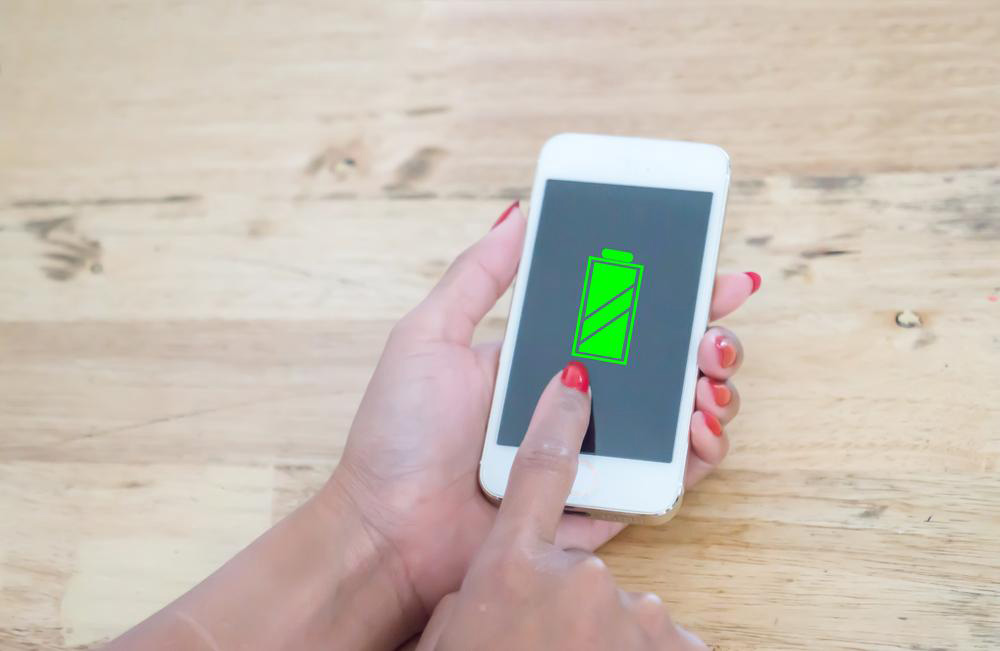
Maintaining your smartphone's battery throughout the day is essential, especially when you're on the move or considering a new device. Constant charging or carrying power banks can be cumbersome. Despite technological progress, batteries still drain fast due to features like GPS, Bluetooth, Wi-Fi, and gaming. To improve battery longevity, reduce simultaneous app use and set daily usage limits. Here are effective strategies to help save power:
Display Settings: The screen consumes a major portion of battery. Enable auto-brightness to adjust brightness based on ambient light, or manually set to a comfortable, moderate level for better efficiency.
Lower Screen Timeout: Shorten the auto-lock duration to prevent the screen from staying on unnecessarily, thus conserving energy.
Use Wireless Devices Wisely: Bluetooth headsets are handy, but turn Bluetooth off when not in use to prevent quick battery drain.
Turn Off Unused Connectivity: Disable Wi-Fi, GPS, and mobile data when not needed. Wi-Fi generally consumes less power compared to mobile data.
Optimize App Usage: Keep an eye on background applications, especially those using location or camera. Disable auto-updates to stop background data activity draining your battery.
Note: Our blog provides useful information on various topics. While we aim for accuracy, guidance may not be comprehensive or latest. We are not accountable for discrepancies or offers not covered here.