Unlocking Better Performance with Solid State Drive Upgrades
Discover the numerous benefits of upgrading to SSDs, including faster performance, improved reliability, and energy efficiency. Learn how SSDs can transform your computing experience with quicker load times, durability, and sleek design options, making them a smart choice for laptops and desktops alike.
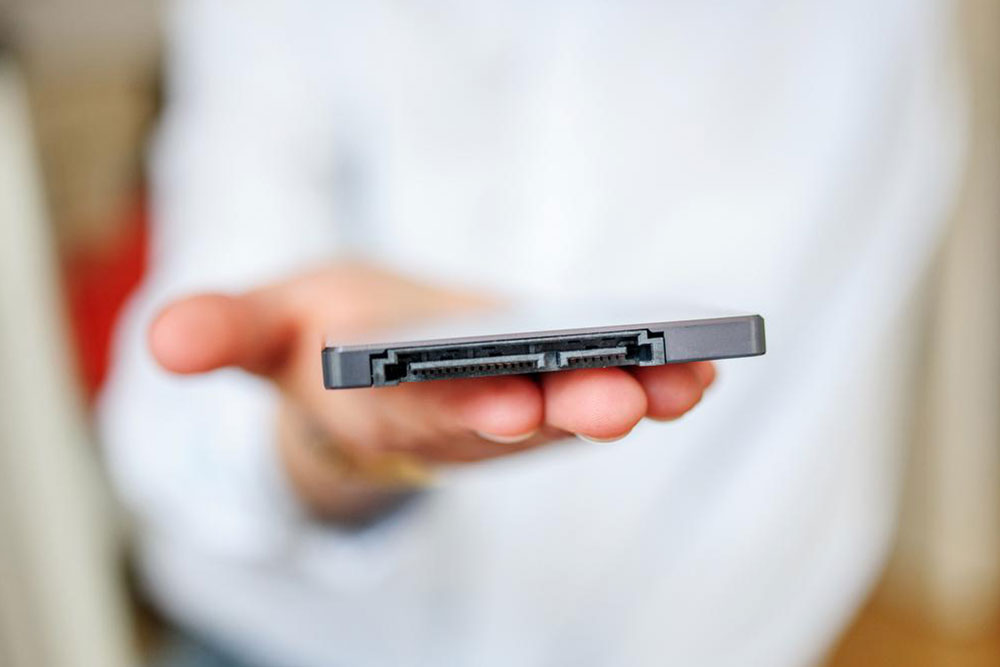
Advantages of Switching to SSDs
Many tech enthusiasts recognize SSDs (Solid State Drives) for their superior speed and reliability. Unlike traditional HDDs, SSDs utilize flash memory, enabling rapid data access and transfer rates. They are more resilient, generate less heat, and consume less power, making them ideal for extending laptop battery life. Installing an SSD as your primary drive for operating systems and essential software, while using HDDs for storage, enhances overall system performance. SSDs also contribute to sleeker device designs due to their compact size.
Considering an upgrade? Here are some persuasive reasons:
Speed & Performance - SSDs access data in just 35-100 microseconds, compared to HDDs taking 5,000-10,000 microseconds, resulting in quicker load times and smoother operation.
Durability & Reliability - With no moving parts, SSDs are less vulnerable to mechanical failures, ensuring longer lifespan.
Energy Efficiency - They consume less power, helping extend laptop battery life and reduce energy costs.
Size and Design - Their smaller form factor allows for thinner laptops and more streamlined desktops.
Lower Heat Output - Less heat generation helps maintain cooler system temperatures, protecting hardware integrity.
However, there's one consideration:Price - SSDs tend to be more expensive than HDDs; for instance, a 128GB SSD may cost as much as a 1TB HDD. Many setups use both types to balance performance and storage needs.