Laser Cutters for Beginners: CO2, Diode, Features & Selection Guide
Learn how laser cutters work, compare CO2 vs diode, and discover features like dual cameras and AI to choose the best model.
How Laser Cutters Work: Core Mechanics
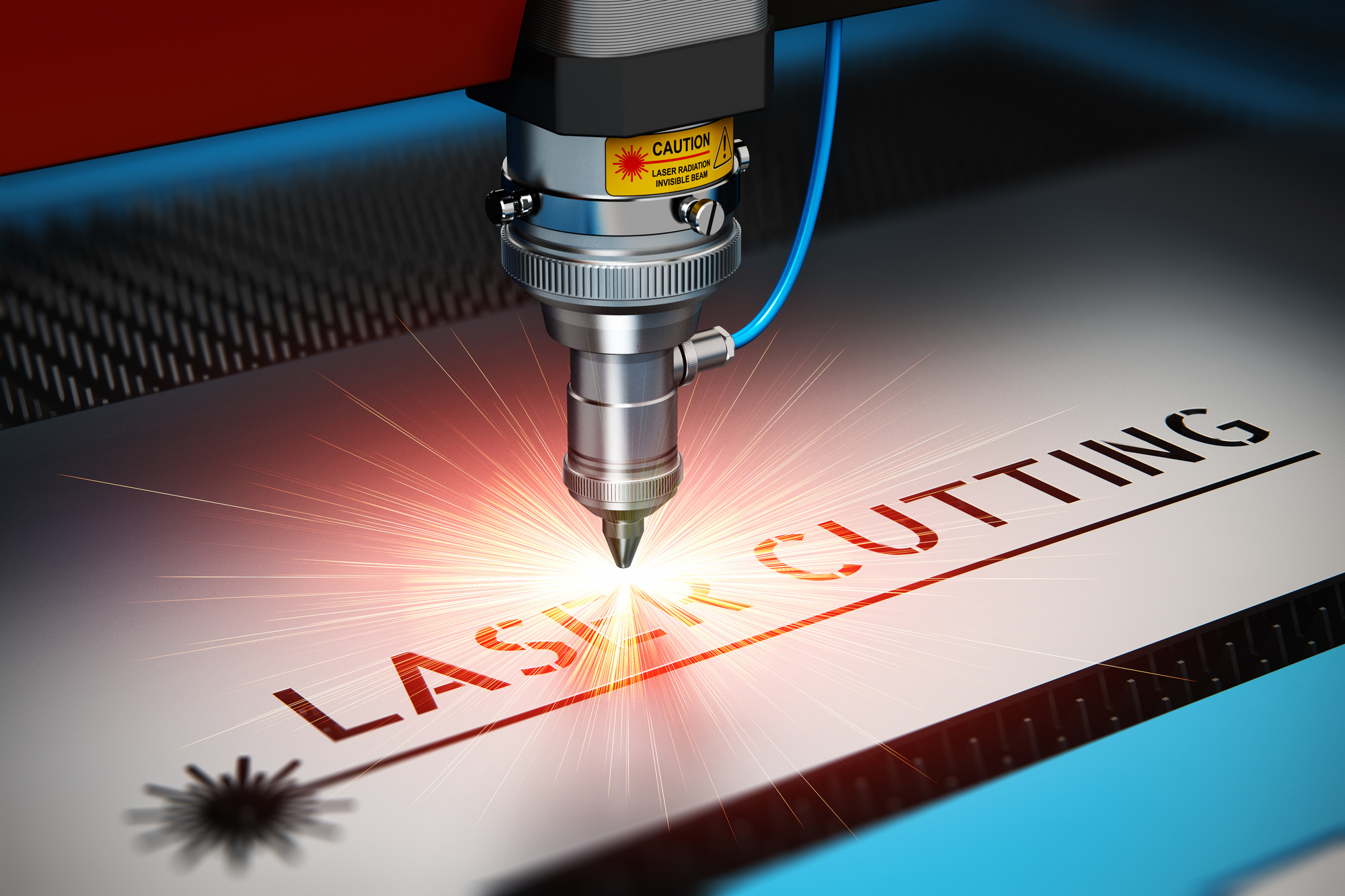
Laser cutting directs a focused beam onto a material, causing it to melt, burn, or vaporize for clean cuts. The narrow beam enables intricate patterns, and digital controls ensure accuracy and speed. The two main laser sources are CO2 and diode lasers. CO2 lasers are powerful and versatile, handling thicker materials like wood and acrylic. Diode lasers are compact, energy-efficient, and excel at engraving softer materials.
CO2 vs Diode Lasers: Key Differences
CO2 Lasers: Power and Versatility
CO2 lasers handle a wide range of non-metallic materials, including wood, acrylic, and leather. With higher power output, they cut thicker stock quickly, making them ideal for industrial and educational applications. They can also mark metals with special coatings.
Diode Lasers: Compact and Efficient
Diode lasers are portable, energy-efficient, and cost-effective. They are perfect for engraving and marking on lighter materials such as wood and leather. Their smaller footprint suits limited spaces, and lower operational costs appeal to hobbyists and small businesses.
Choosing between them depends on material needs, budget, and space. For diverse materials and thick cuts, CO2 is better; for engraving and portability, diode is preferable.
Essential Components of a Laser Cutter
A laser cutter relies on several key components working together: the laser source (CO2 or diode), optical system (mirrors and lenses for beam focusing), motion control (adjusts head or material), control software (design and settings interface), and an exhaust system (removes fumes and particles). Each part ensures precision and safety.
Modern Innovations: Dual Cameras and AI
Dual camera systems provide precise material alignment and shape detection for accurate cuts and engravings. AI tools optimize design workflows, suggest laser settings, and catch errors proactively, delivering consistent results even for beginners. These features significantly enhance ease of use and accuracy.
Choosing the Right Laser Cutter
Match features to your project complexity and precision needs. Evaluate software compatibility and learning curve—intuitive controls suit beginners. Seek community reviews for real-world performance. Also consider long-term costs like maintenance and consumables to make a wise investment.
Frequently Asked Questions
What are the key differences between a desktop laser engraver and a portable laser cutter? Desktop models offer greater stability and power for detailed projects, while portable cutters are lightweight and flexible for on-site work, though they may have limited power.
How does a CO2 laser cutter compare to a diode laser? CO2 lasers are more powerful, cutting a wider range of materials including metals with coatings, ideal for industrial use. Diode lasers are compact, cost-effective, and better for engraving thinner materials.
How do dual cameras enhance a laser machine? They provide a comprehensive view of the working area, enabling better alignment, monitoring, and automation, reducing errors and waste.
What factors should beginners consider when choosing a laser cutter? Ease of use, safety features, software compatibility, material range, and long-term ownership costs including maintenance and consumables.
How can AI tools benefit new users? AI provides intuitive interfaces, automates complex tasks, and offers predictive maintenance, helping beginners achieve professional results with minimal experience.