CRM Software: Key Features, Types, and How It Boosts Sales Productivity
Uncover how CRM software centralises customer data, automates sales and marketing, and can boost productivity by up to 40%. Explore deployment options and costs.
Why CRM Software Matters
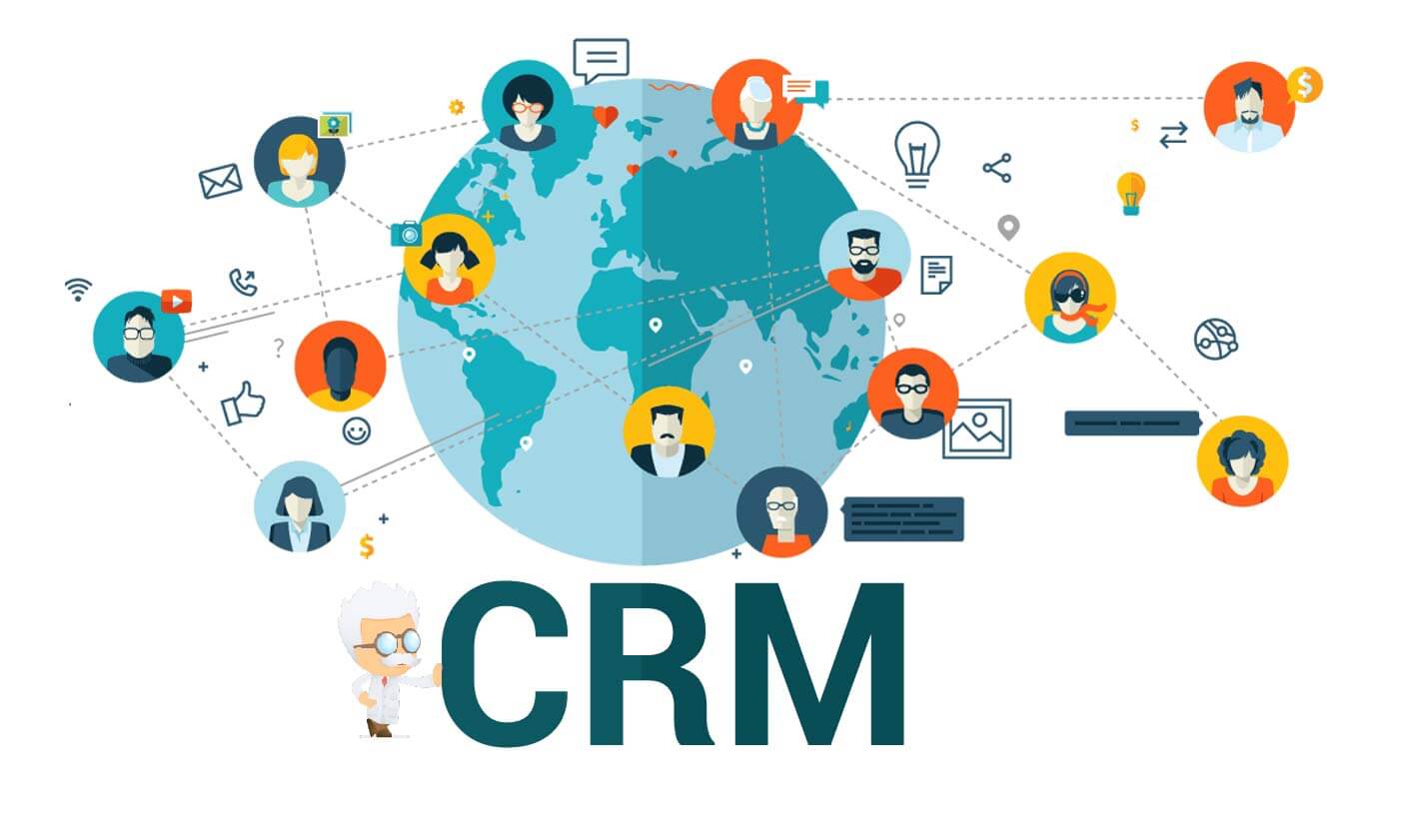
Customer Relationship Management (CRM) software is more than a digital address book—it is a comprehensive platform that centralises every customer touchpoint. By consolidating contact details, communication history, purchase behaviour, and preferences, CRM systems give businesses a 360-degree view of each customer. This unified perspective enables personalised interactions, streamlines internal workflows, and ultimately drives higher efficiency and profitability.
Core Features That Drive Results
Contact Database Management
The foundation of any CRM is its contact database. Businesses can store, organise, and retrieve all client information—names, emails, phone numbers, company details—in a single, accessible location. Features like data deduplication and automated entry keep records accurate and up to date. For instance, a sales rep can review a prospect's past purchases and previous notes before a call, eliminating the need to juggle multiple spreadsheets.
Sales Pipeline Management
A visual sales pipeline allows teams to track deals from lead qualification to closing. Each stage—proposal, negotiation, finalisation—is clearly represented, making it easy to spot bottlenecks. If many deals stall at negotiation, managers can allocate extra resources to push them forward. Automated reminders and task follow-ups ensure no opportunity slips through the cracks, improving closing rates and forecasting accuracy.
Marketing Automation
CRM marketing modules automate repetitive tasks like email campaigns, social posting, and lead nurturing. A business can set up a triggered email sequence when someone subscribes to a newsletter; messages are personalised based on the subscriber's interests and behaviour. Analytics track open rates, click-throughs, and conversions, helping marketers refine their strategies and focus on high-performing channels.
Choosing the Right CRM Deployment
Cloud-Based CRM (SaaS)
Hosted on remote servers, cloud CRM is accessed via a browser. It scales easily—add or remove users as needed—and requires no hardware investment. Teams can collaborate from anywhere with an internet connection. Popular examples include Salesforce, HubSpot CRM, and Zoho CRM.
On-Premises CRM
Installed on a company's own servers, on-premises CRM offers full data control and heightened security. It suits organisations with strict compliance needs or complex IT setups. However, upfront costs for licences, hardware, and IT support are substantial, and scalability is limited. Microsoft Dynamics CRM (now Dynamics 365) offers an on-premises deployment option.
Mobile CRM
Designed for smartphones and tablets, mobile CRM keeps sales teams productive on the go. Users can update client records, view upcoming meetings, and even close deals from a mobile device. Most providers offer iOS and Android apps, ensuring real-time access to critical data.
CRM vs. Traditional Approaches
Spreadsheets and Manual Processes
Efficiency: Manual data entry in spreadsheets is slow and error-prone. CRM automates updates across all records, saving time and ensuring accuracy.
Insight Generation: Spreadsheets lack advanced analytics. CRM can analyse large datasets to reveal customer patterns, sales trends, and campaign effectiveness without complex formulas.
Collaboration: Separate spreadsheets hinder cross-departmental cooperation. CRM provides a shared platform where sales, marketing, and service teams access the same data, fostering alignment.
Stand-Alone Marketing and Sales Tools
Integration: Stand-alone tools often create data silos. CRM seamlessly integrates lead generation, email marketing, and customer service into one system, enabling automated data flow and coordinated campaigns.
Holistic View: A stand-alone email tool sees only email interactions. CRM aggregates purchase history, service requests, and social media activity, delivering a complete customer profile for more effective relationship management.
Real-World Productivity Gains
The impact of CRM adoption is measurable. The following table shows the percentage increase in sales productivity reported by businesses across different sectors after implementing CRM software:
| Industry Sector | Percentage Increase in Sales Productivity |
|---|---|
| Retail | 35% |
| Manufacturing | 30% |
| Service | 40% |
| Technology | 38% |
CRM Pricing and Customisation
How much does CRM software cost?
Cloud-based CRM typically uses a subscription model, ranging from a few dollars per user per month for basic plans to several hundred dollars for advanced enterprise tiers. On-premises CRM requires a large upfront investment in licences, hardware, and IT support—often tens of thousands of dollars. Free versions with limited features are available from some vendors, ideal for small businesses or startups.
Can CRM be customised to my business needs?
Yes, most CRM providers offer extensive customisation. You can tailor sales pipeline stages, add custom fields to the contact database, create unique workflows, and integrate with other business applications. Custom reports and dashboards help align the system precisely with your processes, ensuring you get the most out of your investment.