Building a Safer Home: Key Elements of Modern Security Systems
Learn about home security components, costs, and benefits. Discover how to choose a system that fits your budget and needs.
Why Invest in a Home Security System?
Modern home security systems do more than just deter burglars—they offer peace of mind, remote monitoring, and enhanced safety through environmental sensors. Homes without security systems are 300% more likely to be burglarized, according to FBI data. With average losses of $2,416 per burglary and alarms preventing 60% of break-ins, a well-chosen system is a wise investment.
Core Components of a Home Security System
Security Cameras
Cameras are the most visible deterrent. Key types include:
Indoor cameras – Blend into decor, often with two-way audio and high-resolution video.
Outdoor cameras – Weatherproof, with motion sensors and night vision; some offer facial recognition.
Doorbell cameras – Integrated with doorbells, let you see and speak to visitors remotely.
Wireless Security Cameras
Wireless cameras connect via Wi‑Fi, offering easy installation, flexible placement, and remote viewing from anywhere. Many include cloud storage, motion alerts, and smart home integration.
Alarm Systems
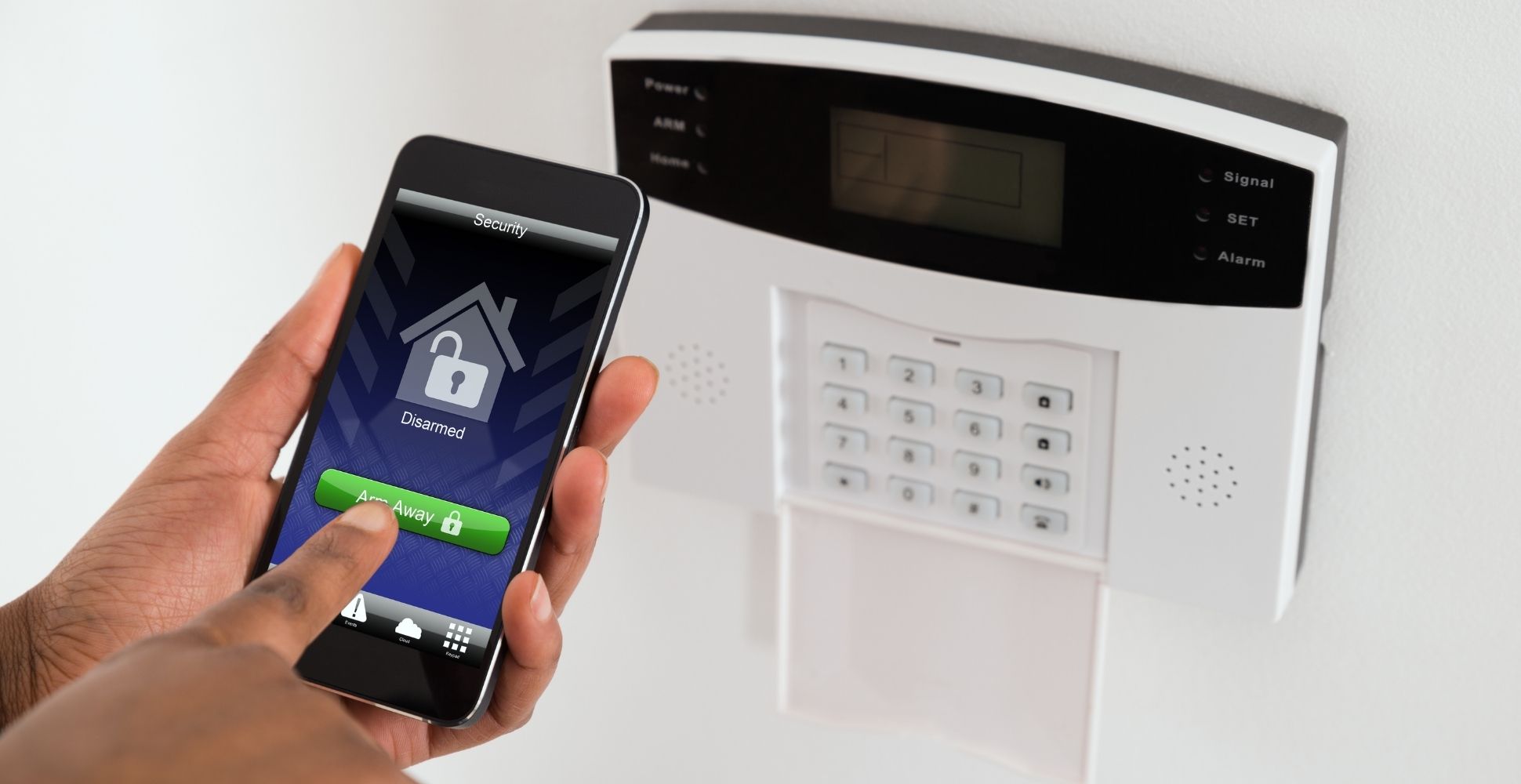
Alarm systems detect unauthorized entry using motion detectors, window/door sensors, and sirens. Modern systems allow remote arming/disarming via mobile apps and include tamper alerts.
Choosing a Security Company
Well-known providers like Vivint, ADT, and SimpliSafe each offer different features and pricing. When choosing, consider reputation, range of services (smart home, environmental sensors), and contract terms.
How to Pick the Best System for Your Home
Budget
Costs range from $300 to $1,500 depending on features. DIY systems are more affordable upfront, while professional installation often includes monitoring contracts.
Must‑Have Features
Prioritize high‑resolution video, night vision, smart home compatibility, and environmental sensors (smoke, CO, water leaks).
Ease of Use
Look for intuitive apps and simple installation. Many systems are DIY-friendly; others offer professional setup.
Real‑World Impact: Key Statistics
| Statistic | Value |
| Homes without security systems | 300% more likely to be burglarized |
| Burglaries prevented by alarms | 60% |
| Average loss per burglary | $2,416 |
Source: FBI Uniform Crime Reporting
Frequently Asked Questions
Q1: What is the average cost to install a home security system?
A1: $300 to $1,500. DIY systems are cheaper; professional installations cost more but often include financing options.
Q2: Can I install a system myself?
A2: Yes, many modern systems are designed for DIY installation with minimal technical skill.
Q3: Are wireless cameras secure?
A3: Yes, if they use encrypted connections (e.g., AES‑256) and strong passwords. Keep your network and firmware updated.
Q4: How often should I upgrade my system?
A4: Review every two years or when major tech advances occur. Many systems auto‑update firmware.
Q5: Can I customize my system?
A5: Absolutely. Most systems are modular, letting you add cameras, sensors, or smart home devices as needed.
Q6: What if my system malfunctions?
A6: Check the user manual or contact the manufacturer’s 24/7 support team.
Extra Tips to Boost Home Security
Keep entry points well‑lit with motion‑activated lights.
Use strong, unique passwords for all smart devices.
Trim shrubs near windows to eliminate hiding spots.
Install deadbolts, reinforced doors, or security bars.
Educate family members on system use and emergency procedures.
Test cameras, alarms, and sensors regularly.
Consider professional monitoring for immediate response.