How Multi-Display Setups Transform Modern Meeting Rooms for Greater Productivity
Discover how multi-display environments boost meeting efficiency, hybrid collaboration, and interactivity. Learn key benefits and room-specific recommendations.
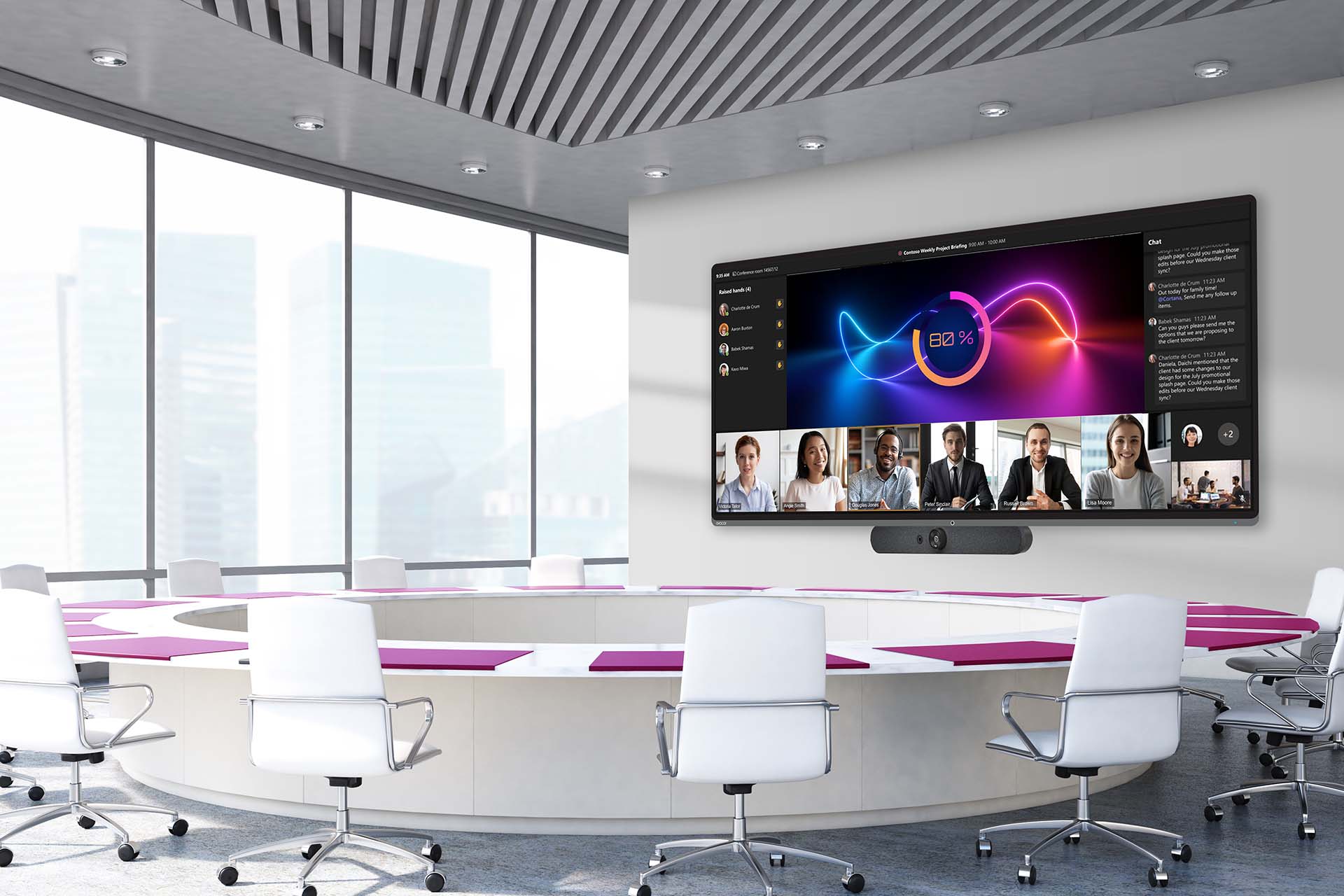
Why Multi-Display Matters
Traditional meeting rooms rely on a single projector or monitor, forcing presenters to toggle between slides, spreadsheets, and browsers. This constant switching disrupts the group's cognitive flow and wastes valuable time. A multi-display setup treats the meeting space as a visual ecosystem, allowing multiple information streams to coexist simultaneously. Teams can keep a main presentation visible while displaying real-time data, reference documents, or live dashboards on secondary screens. This parallel content flow accelerates decision-making because participants can cross-reference facts instantly instead of relying on memory or waiting for follow-up emails. The result is a shift from passive listening to active analysis, with discussions grounded in visible evidence.
Meeting Scenarios Compared
| Scenario | Single-Screen Limitation | Multi-Screen Advantage |
|---|---|---|
| Financial Review | Must toggle between slide summaries and raw Excel data, losing context. | Slides remain up for narrative; raw data appears side-by-side for instant verification. |
| Creative Brainstorming | One idea dominates the screen; referring to previous concepts requires scrolling back. | Mood boards, competitor examples, and current sketches are visible simultaneously for inspiration. |
| Project Planning | Hard to see the timeline while looking at resource allocation charts. | Gantt charts and resource lists are viewed together, highlighting bottlenecks immediately. |
| Crisis Management | Toggling between live news feeds, internal comms, and response protocols slows reaction. | Real-time dashboards, news feeds, and communication channels operate in a unified command view. |
Hybrid Equity Through Visual Separation
Hybrid meetings often suffer from the "content vs. connection" trade-off: when someone shares their screen, the video feed of remote colleagues is shrunk or hidden. This isolates off-site participants and reduces trust. By dedicating a separate display to video conferencing, remote faces remain life-sized and visible, allowing in-room attendees to read expressions and gestures. This visual equity ensures remote voices carry equal weight. It also reduces Zoom fatigue by synchronizing audio with clear visuals. Intelligent cameras that auto-frame speakers further humanize the experience, making geography irrelevant to participation quality.
Accessibility and Inclusivity
Modern visual systems support diverse needs. High-contrast, low-glare displays improve legibility for those with visual impairments. Real-time captions on a dedicated screen help attendees with hearing difficulties or those in noisy environments. Participants can cast content to personal devices for closer inspection, allowing them to view details at their own pace without disrupting the group. Screen readers and adjustable display heights further ensure that every attendee—regardless of ability—has equal access to meeting content.
Interactive and Immersive Technology
The era of darkened rooms with dusty projectors is ending. Direct-view LED and high-brightness panels deliver vibrant images in naturally lit spaces, boosting energy and creativity. Touch-enabled displays with low latency allow natural annotation, enabling teams to edit blueprints, move digital sticky notes, or sketch collaboratively. Seamless wireless casting from any device eliminates the need for dongles and reduces setup time, letting meetings start with content, not troubleshooting.
Room-Specific Recommendations
| Room Type & Purpose | Recommended Visual Focus | Interaction Style |
|---|---|---|
| Huddle Room (2–4 people) | Speed and ad-hoc sharing | Touch-enabled for quick whiteboarding; fast wireless casting |
| Standard Conference Room (8–12 people) | Clarity and hybrid equity | Dual-display for separating content and remote video; moderate interactivity |
| Executive Boardroom | High-impact presentation | Large-format LED walls for immersive data visualization; premium aesthetics |
| Training / Workshop Space | Active collaboration | Multiple scattered displays for breakout groups; heavy focus on touch and annotation |
Frequently Asked Questions
What are the benefits of a Conference Room Multi-Display Setup?
A multi-display setup allows simultaneous presentation of multiple sources, enhancing engagement, collaboration, and decision-making by providing a comprehensive view of data, visuals, and video feeds.
How do Enterprise Video Presentation Systems improve business meetings?
They streamline sharing of high-quality video while keeping participants aligned, often featuring screen sharing, annotation, and platform integration that maintain meeting flow and effectiveness.
What role do Collaborative Monitors play in modern meeting rooms?
Collaborative monitors support multi-user touch inputs and device connectivity, enabling teams to brainstorm, share ideas, and annotate in real time for a richer collaborative experience.
What should be considered when selecting Meeting Room Display Solutions?
Key factors include room size, participant count, connectivity, system compatibility, resolution, brightness, and flexibility to handle different media types for clear, effective presentations.
How can businesses maximize their display technology investment?
Provide staff training, perform regular maintenance, integrate with collaboration tools, and tailor the setup to specific meeting types to boost productivity and engagement.