Dash Cam Buying Guide: Key Features, Parking Mode, Wi-Fi & Legal Tips for 2025
Discover the essential dash cam features: 4K video, driver monitoring, parking mode, Wi‑Fi connectivity, and legal tips. Your complete buying guide.
Why Dash Cams Have Become Essential
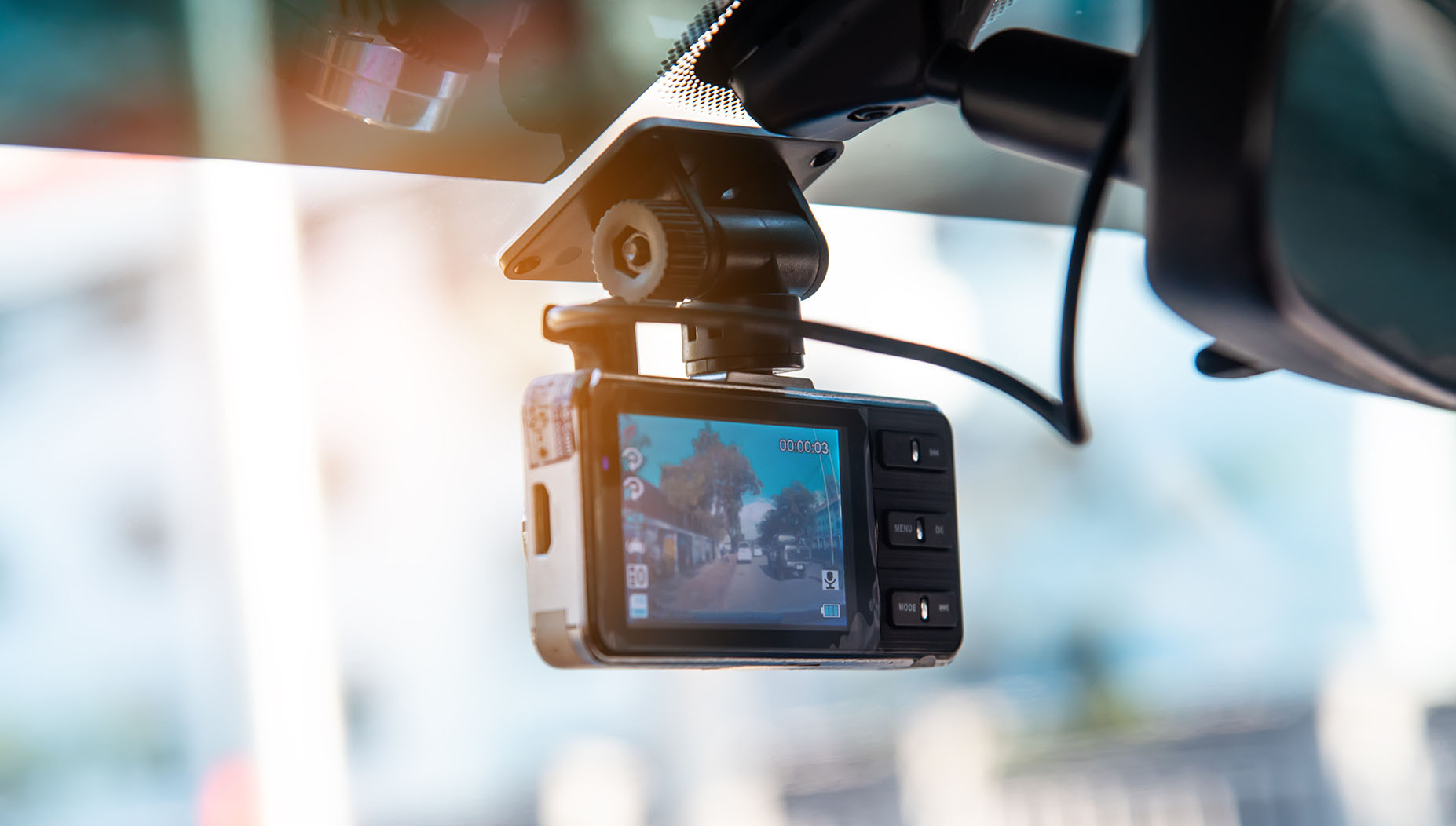
Once a niche accessory, the dash cam is now a must-have for drivers worldwide. These compact windshield-mounted devices do far more than record scenic drives. They capture critical evidence after collisions, deter vandalism, and even monitor driver alertness. As technology evolves, understanding which features truly matter can help you choose a model that fits your needs and budget.
Video Quality: Resolution and Sensor Tech
The foundation of any dash cam is video clarity. While Full HD (1080p) remains common, many modern models offer 2K or 4K resolution for sharper license plates and road signs. Look for a camera with a wide dynamic range (WDR) to handle bright sunlight and deep shadows simultaneously, and excellent low-light performance from a large-aperture lens and quality sensor. Some premium units even include thermal imaging to detect pedestrians or animals in complete darkness, providing an extra layer of safety.
Driver Monitoring Systems
A growing number of dash cams now include an interior-facing camera that tracks your head position and eye movements. If the system detects drowsiness, distraction, or a wandering gaze, it issues an audible or visual alert. This proactive safety feature helps prevent accidents caused by driver inattention — one of the leading causes of crashes. It acts like a virtual co-pilot, encouraging you to stay focused or take a break when needed.
Parking Mode: 24/7 Protection
Parking mode allows your dash cam to keep recording even after you turn off the engine. It typically uses either motion detection (records when something moves near the car) or a G-sensor (triggers recording upon impact). This is invaluable for catching hit-and-runs, vandalism, or theft while you are away. To run parking mode continuously, you will need a hardwiring kit connected to your car's fuse box, which also includes a voltage cutoff to protect your battery from draining too low.
Wi‑Fi Connectivity and Cloud Features
Modern dash cams have become smart connected devices. Built-in Wi‑Fi lets you pair the camera with a smartphone app for live viewing, downloading clips, and adjusting settings without removing the memory card. Some models also offer cloud upload: in the event of a significant impact, the relevant video is automatically saved online, ensuring your evidence is safe even if the camera is damaged. This seamless connectivity makes sharing footage with insurance companies or law enforcement fast and easy.
Storage and Power Management
Dash cams record continuously in loops, overwriting old footage. To avoid data loss, invest in a high-endurance microSD card rated for constant read/write cycles. Capacities of 128GB or 256GB are common. Also consider a supercapacitor over a lithium battery for extreme temperature resilience, and check that the parking mode kit includes a battery discharge prevention feature.
Legal Considerations for Dash Cam Use
While dash cams offer clear benefits, it is important to understand the legal landscape. Rules vary by state and country, so always verify local laws before installing and using a dash cam.
Recording in Public vs. Private Spaces
In general, recording video on public roads is permissible because there is no reasonable expectation of privacy. However, if the camera captures private property such as homes or backyards, it could raise privacy concerns. Aim your dash cam primarily at the road to avoid legal issues.
Audio Recording and Consent
Many dash cams also record audio inside the vehicle. Some jurisdictions require one-party or all-party consent for audio recording. To stay compliant, either inform your passengers that audio is being recorded or disable the audio function entirely.
Footage as Evidence
Dash cam footage can be powerful evidence in insurance claims or legal disputes. To ensure its admissibility, use a camera that automatically embeds a date and time stamp on the video. Avoid tampering with the original file, and keep a copy safe in the cloud or on a separate drive.
Installation and Visibility
Mounting a dash cam in a position that obstructs the driver's view is both unsafe and, in many places, illegal. Place it behind the rearview mirror or in a spot that does not block your line of sight. Also, check local regulations regarding windshield mounts, as some states restrict where objects can be attached.
Conclusion
Today's dash cams are sophisticated safety tools that go far beyond simple recording. By prioritizing video quality, driver monitoring, parking mode, and smart connectivity, you can choose a model that offers peace of mind on every journey. Always pair your choice with a proper installation and an awareness of legal requirements to get the full benefit without unintended consequences.