Unlimited Cloud Storage for Business: Overcoming Physical Limits and Maximizing Security & Integration
Understand unlimited cloud storage: hardware limits, energy constraints, encryption, redundancy, and business integration.
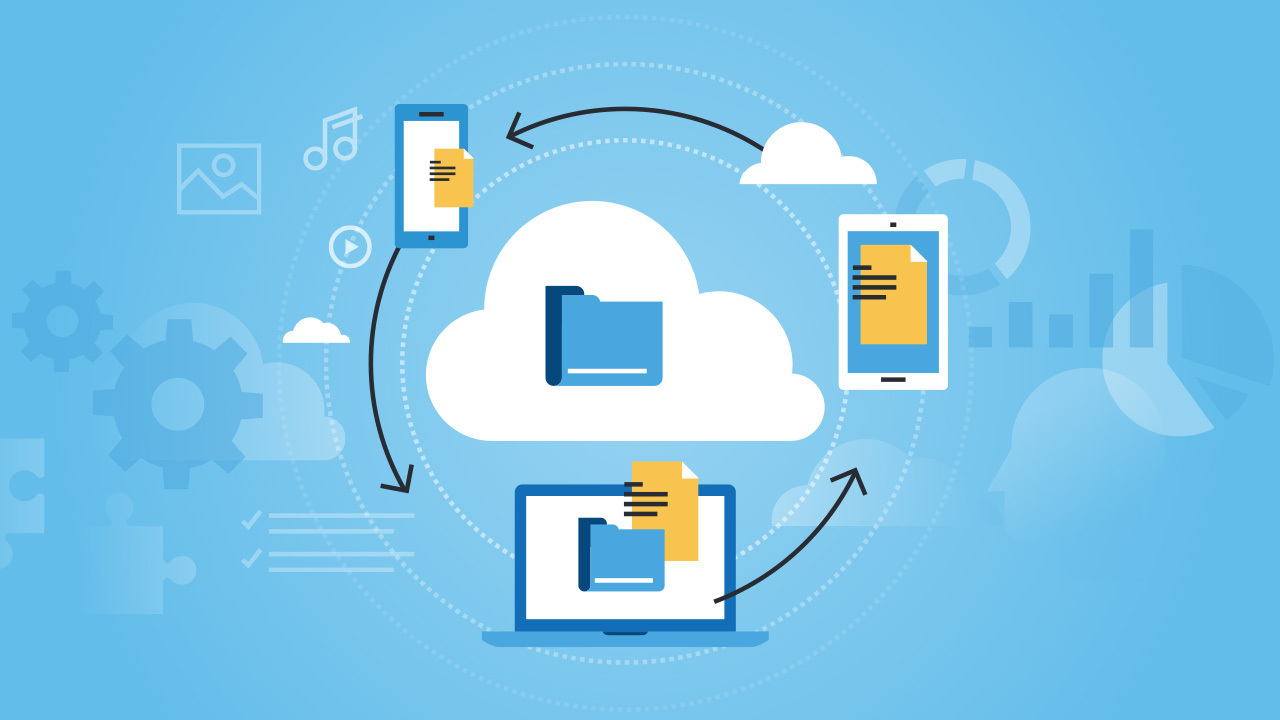
Businesses often see unlimited cloud storage as a bottomless digital vault, but the reality is grounded in physical hardware and energy constraints that create invisible ceilings. Understanding these limitations and implementing robust security and integration strategies is key to unlocking the true value of cloud platforms. This article explores the hidden challenges of unlimited storage, advanced encryption and redundancy practices, and how seamless integration empowers the hybrid workforce.
The Hidden Costs of Unlimited Storage
The promise of unlimited space ignores the fact that data centers rely on physical servers that age and become obsolete. As technology advances, older hardware struggles with throughput, leading to performance bottlenecks known as asset stranding. Innovative cooling solutions like arctic or underwater facilities sound great but make hardware replacement nearly impossible. Providers may have logical capacity but lack the processing power to serve data at high speeds. Additionally, energy consumption is a massive bottleneck. Running exabytes of data requires vast electricity for servers and cooling, often exceeding local grid capacity. These constraints force providers to enforce fair-use policies that throttle heavy users, especially during large restorations or migrations. A smart cloud backup security strategy must anticipate these limits and plan accordingly.
Security Beyond the Hype: Encryption and Access
When moving sensitive data to the cloud, perimeter security is insufficient. The focus must shift to data-centric defense. Modern encryption standards require protecting data both at rest and in transit. Zero-knowledge encryption ensures that even the provider cannot decrypt your files—only the user holds the keys. This is like placing valuables in a titanium safe before shipping. For small businesses without dedicated security teams, choosing a provider that automates this level of encryption is essential for compliance. Equally important is identity management. Multi-factor authentication and granular IAM controls limit who can read or write specific folders. Granting blanket access to all staff invites accidental deletion or internal theft. Strict permission settings minimize the blast radius of any credential compromise.
Redundancy and Business Continuity
Physical survival of data is achieved through geo-redundancy: mirroring data across data centers in different seismic zones or continents. This ensures that a natural disaster or power failure in one location does not cause permanent loss. High availability depends on knowing a shadow copy exists in a secure secondary location. Redundancy transforms a potential catastrophe into a manageable disruption. This is the ultimate insurance policy for business continuity.
Seamless Integration for the Hybrid Workforce
Modern cloud storage has evolved from a static warehouse into a dynamic collaboration engine. The true value lies in how effortlessly it integrates with email clients, project management dashboards, and CRMs. When storage is an isolated silo, employees waste time downloading and re-uploading files. Effective integration creates a single source of truth—everyone works on the same document version, reducing time-to-value. For hybrid teams, low-latency connectivity bridges office, home, and mobile workers. Edge caching and content delivery networks make accessing large files feel local. This flexibility aids talent retention, but must be balanced with security: intelligent threat detection spots anomalous logins, keeping the door open for employees but closed for intruders.
Frequently Asked Questions
What are the benefits of using cloud storage services for businesses?
Cloud storage offers scalable options, cost efficiency, and anywhere access. It enhances real-time collaboration regardless of location, eliminates physical hardware, reduces maintenance costs, and minimizes data loss from hardware failure.
How do cloud backup solutions enhance data security?
Automatic backups to secure off-site servers protect against natural disasters, cyber-attacks, and human error. Encryption in transit and at rest ensures data is safe from unauthorized access.
What should small businesses consider when choosing a cloud storage solution?
Consider cost, scalability, ease of use, integration with existing systems, security measures, customer support, and provider reliability. Choose a solution that can grow with the business to avoid future migration issues.
What distinguishes a managed backup service from traditional backup methods?
Managed services take full responsibility for backing up and restoring data, including monitoring, updates, and troubleshooting. This frees internal IT resources and ensures consistent recoverability, reducing downtime and data loss.
Why might a business opt for unlimited cloud storage and what are potential pitfalls?
Unlimited storage accommodates rapid data growth, especially in data-heavy industries like media or healthcare. Pitfalls include higher costs if mismanaged and data sprawl, where disorganized data becomes hard to retrieve.